
How to Translate a PDF to English (and Other Languages)
Translate PDF text or scanned pages to English and more, with OCR and formatting tips.

Start here: how PDF type changes how to translate a PDF
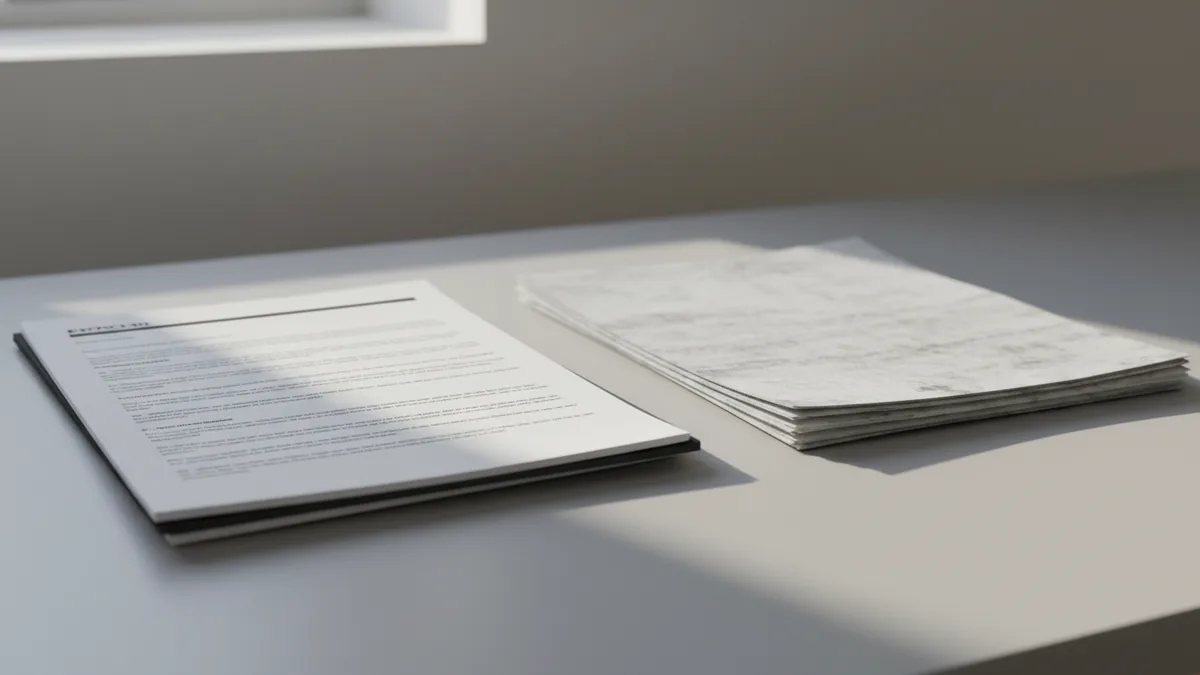
If you want to translate pdf documents to english, start with one question. Is your PDF text-based or is it scanned images? That single detail decides whether translation is simple or needs OCR technology first.
Text-based files store real characters. Translation tools can select text and rebuild it in a new language. You usually get better document formatting and fewer spacing surprises.
Scanned documents are different. They are image pages with no selectable text. For these, the tool must read the image first, then translate the recognized text.
- Text-based files: Direct translation with cleaner layout retention.
- Scanned documents: Requires OCR technology before translation.
- Password-protected PDFs: Some tools cannot access content at all.
Tools you can use to translate a PDF to English
When people ask “how can i translate a pdf,” they usually want results fast. Many options can translate a PDF, but they differ in how well they keep document formatting. Pick the tool that matches your goal, not the one that sounds nicest.
Google Translate is a common starting point for “how do i translate a pdf.” It can translate PDFs in many workflows. The trade-off is that complex layouts may shift, especially tables and page headers.
DocTranslator is another option when formatting matters. It aims to keep document formatting closer to the source while translating. It also uses Google Translate under the hood, so you get familiar translation quality with document structure.
Microsoft Office can also help if you want to work inside an app. Office tools can translate documents within its workflow. This can be useful when you need to edit sections after translation, like headings or paragraphs.
| Tool | Best for | Main trade-off |
|---|---|---|
| Google Translate | Quick translation tests | Formatting may change |
| DocTranslator | Document-like layout | Not every PDF layout stays perfect |
| Microsoft Office | Editing after translation | You must fit the Office workflow |
Step-by-step: how to translate a PDF file (English target)
This section answers “how to translate a pdf to english” and similar searches. The same flow works for other target languages too. The goal is to translate pdf documents to english while catching OCR errors early.
- Confirm the PDF type. Try selecting text. If you can highlight words, it is text-based. If not, plan for scanned documents and OCR.
- Check for a password. Look for an access prompt when you open the file. If the PDF is locked, translation tools may fail or return blank output.
- Pick a translation route. If you want speed, start with a tool like Google Translate. If you want better document formatting, try a PDF-focused translator such as DocTranslator.
- Set the target language to English. Choose English as the target when you translate a pdf file. That matches the intent behind “how to translate pdf file to english.”
- Upload and translate. Use the tool’s upload flow, then run the translation. Some tools show progress for OCR on scanned pages.
- Review hotspots. Check headings, tables, and page headers. These areas often reveal layout issues first.
- Export the translated file. Download the result and re-check page by page. If you need Word editing, translate pdf to word using the most stable workflow your tool supports.
If you are asking “how to translate pdf files” or “can you translate a pdf,” the core process stays the same. The key is access to text or a good OCR step. If the PDF is scanned, OCR quality becomes your first bottleneck.
People also ask “can i translate a pdf document” or “can adobe translate a pdf.” If a tool can read the text layer, translation is straightforward. If it is an image-based PDF, the tool still must run OCR before translation.
Translate scanned PDFs to English with OCR accuracy
If you search “how to translate a scanned pdf,” you are really asking about OCR quality. A clean OCR run means fewer wrong names and fewer broken lines. Bad OCR means the translator can only translate mistakes.
Before you translate, inspect the scan. Look for blur, low contrast, and tilted pages. If possible, re-scan with higher resolution or straighten the pages.
During translation, review the first page carefully. It sets expectations for the rest of the document. If headings look wrong, fix the scan quality or try a different tool workflow.
- Improve scan quality first: sharper images help OCR technology succeed.
- Check numbers and names: they fail OCR more often than normal words.
- Verify table structure: OCR may split cells into wrong rows.
- Re-run translation if needed: one bad OCR pass can ruin meaning.
Translate into other languages: Spanish, French, German, Italian
The steps above work when you need “how to translate a pdf to spanish” or another language. After you confirm the PDF type, you just change the target language. That includes “how to translate a pdf from english to spanish” and “how to translate a pdf from french to english.”
For multilingual documents, expect mixed results if some pages are scans. Text-based pages may translate cleanly. Scanned pages still depend on OCR quality, even when the language pair changes.
Here are common language-direction examples people search for. Use them to pick the target language setting in your tool.
| Language direction | What to check first |
|---|---|
| English → Spanish | Spelling of proper nouns in OCR |
| French → English | Accents and punctuation in OCR |
| Spanish → English | Table rows that OCR might split |
| German → English | Word breaks in scanned headers |
| Italian → English | Names and dates in scanned sections |
Best practices and limitations so the result stays usable
Some people ask “is there a way to translate a pdf” because they tried and got messy output. That is normal. PDF translation tools vary in how they keep document formatting, especially when the original has complex layout.
Start by matching your tool to your PDF. If you need a report layout to stay close, choose a tool that supports layout preservation. If you need only readable text, a faster translation option may be enough.
Also, check whether your PDF is allowed to be processed. Password-protected files can block many tools. If you see errors or blank pages, it often comes from access limits rather than translation quality.
Finally, do not trust the output blindly. Compare the translated result to key sections, like the table of contents, totals, and named fields. For forms or legal-style documents, even small mistakes can change meaning.
- Keep one source of truth: compare translated sections to the original.
- Test on one page: run a small sample before translating everything.
- Watch tables and headers: these break most easily with PDF layouts.
- Plan for formatting fixes: export to Word if you must edit.
FAQ: common questions about translating PDF documents
Below are quick answers to questions people commonly ask before they translate pdf documents to english.
- Can i translate a pdf document without OCR? If it is text-based, yes. If it is scanned, the tool needs OCR to read the images.
- How can i translate a pdf with good formatting? Choose a PDF-focused translator. Then review tables and headers, because these are the first to shift.
- Can you translate a pdf in Chrome? Browser workflows often exist. The real factor is whether the tool can access text and run OCR when needed.
- Can chatgpt translate pdf? Some workflows may support file-based translation. Always verify output accuracy and check formatting for critical sections.
Related reading

Sibelius to PDF: Export and Check
Export Sibelius scores as PDFs and check every page before sharing.

VitalSource Bookshelf to PDF: Safe Offline Options
Check export rights first, then choose a safe way to read VitalSource books offline.
Khazar Conversion: Evidence and Debate
What medieval sources say about the Khazars, Judaism, and a debated conversion.