How to Send a PDF as a Text Message (SMS or MMS)
Send a PDF by text using MMS, or share a link via cloud storage.
Understanding PDF Sending Limitations
You can often send a PDF as a text message, but it depends on what your phone treats as an attachment. Standard SMS usually can not carry files. Most phones therefore convert PDF sharing into MMS.
That is why the question “how to send a pdf as a text message” often leads to MMS steps. It is not just a UI change. MMS has different rules and can be more expensive, depending on your plan.
People also hit delivery glitches when a PDF is near the MMS size limits. Even if the PDF looks small in your gallery, the carrier still has to encode it for messaging. That encoding can change the final file handling.
- MMS conversion adds steps. Your phone wraps the PDF as a media attachment.
- Delivery can fail silently. Some devices show upload success but block the final send.
- Recipient experience varies. Some phones download automatically, others require a tap.
Sending PDFs via MMS
If you are asking “can i send a pdf through text,” the practical answer is yes. Most of the time, your phone sends it as MMS, not pure SMS. When the messaging app shows it as a media attachment, MMS is already in play.
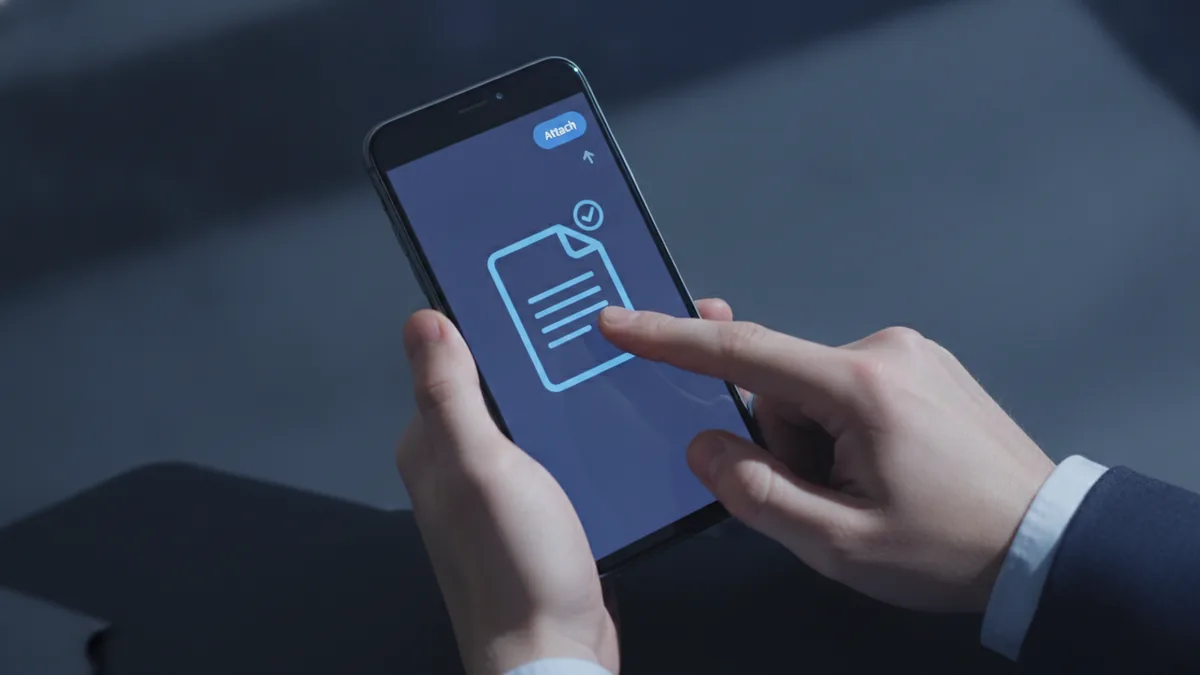
To send a PDF document by text, start in your SMS or messaging app. Tap the attachment button, pick the PDF file, and press send. If you see a note about MMS, that is the sign your phone will convert the file.
File size is the biggest blocker for send pdf document by text. Aim for under 1MB for better odds. For stronger device compatibility, target about 500KB when you can.
- Open your text messaging app and start a new chat.
- Tap Attach or the plus icon.
- Select the PDF from Files, iCloud Drive, or cloud storage.
- Check that the app labels it as an MMS attachment.
- Send the message and watch for upload or send errors.
When can you send a pdf via text and still get a clean result? When your PDF stays small and the recipient’s phone supports MMS attachments reliably. Otherwise, you may get delivery delays or an unusable message attachment.
Best Practices for Sending PDFs
When people search how to send a pdf via text, they usually want the simplest path that works for both sides. The fastest way to improve success is to keep the PDF compact. MMS also tends to be picky about how the file is encoded.
If your PDF is mostly text, compression can reduce size quickly. If it contains photos, resizing images usually helps more than removing text objects. Either way, confirm the actual PDF file size in your file manager before sending.
You might see misleading previews inside the messaging app. A thumbnail can look small while the encoded MMS version becomes larger. That is how “how to send a pdf in text message” can work for one chat and fail for another.
- Size target for MMS: under 1MB, with 500KB as a strong goal.
- Send one file at a time: multiple PDFs increase failure risk.
- Look for MMS warnings: treat them as a cue to keep the file small.
- Check recipient setup: some apps download attachments slowly.
For how to send a pdf via text iphone, you follow the same logic. Attach the PDF in the Messages app and let it send as an attachment through your carrier. For how to send pdf via text android, attach the file from storage and confirm the app treats it as an MMS media message.
Alternative Methods to Share PDFs
When can i send a pdf through text but it keeps failing? Use a link-based method instead of sending the file itself. This is often the most reliable way to send pdf document by text, especially for larger PDFs.
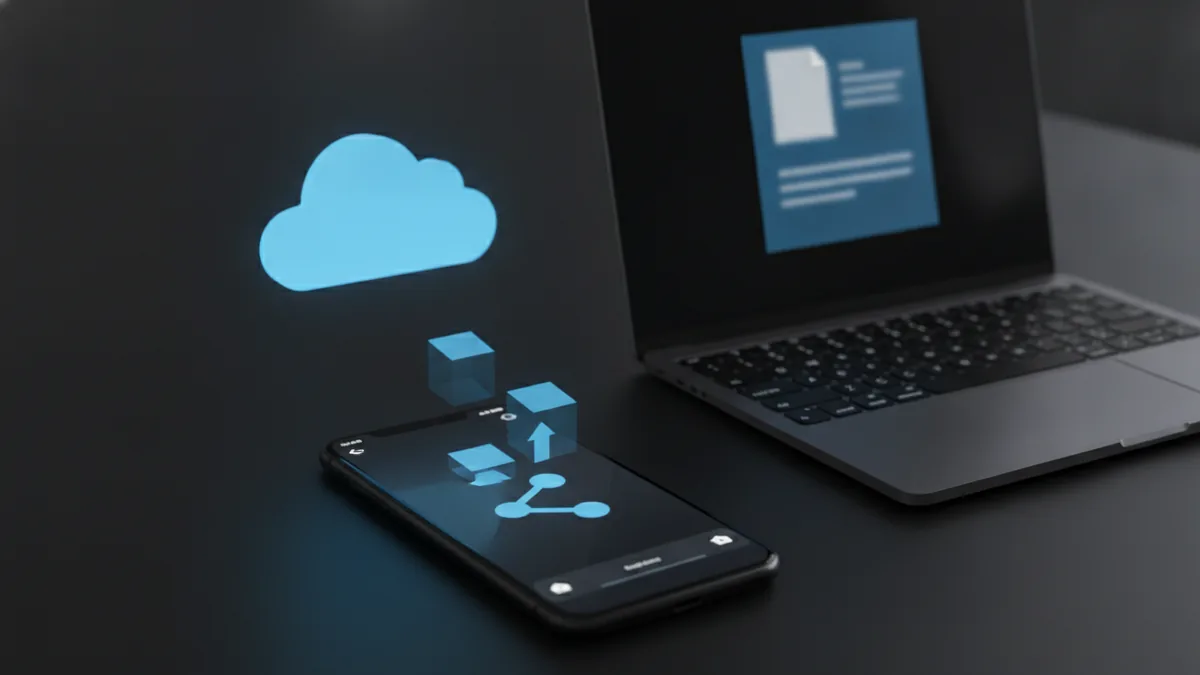
Upload your PDF to cloud storage like Google Drive or Dropbox. Then share a link in your text message. The recipient opens the link and downloads the PDF if they want it.
This avoids MMS file size limits and reduces device compatibility issues. It also handles larger PDFs better because the messaging part only sends a URL, not the attachment data.
Here is the basic flow for how to send a pdf by text using a link. First upload the PDF. Next copy the share link. Then compose your text message with the link.
- Upload the PDF to cloud storage.
- Open the PDF sharing settings and create a shareable link.
- Copy the link to your clipboard.
- Compose a new text message to the recipient.
- Paste the link and send the message.
Testing the PDF Send Process
Testing is how to avoid the “it sent but they can’t open it” problem. Before you ask how to send a pdf in a text message to someone else, test the exact method with a link or a small MMS attachment. Use a second phone or a trusted friend’s device if possible.
If you are trying how to send pdf via text on iphone or android, test MMS first with a smaller version of the PDF. If it works there, increase file size gradually until you find the breaking point. That gives you a practical size limit for your specific carrier and messaging setup.
For the link method, test the link on the recipient’s type of phone. Some devices need an app installed to view the PDF. Also check if the share link requires sign-in, which can block access.
| Method | Best for | Main risk |
|---|---|---|
| MMS attachment | Small PDFs | File size limits and delivery delays |
| Cloud link in a text | Any PDF size | Share settings or link access |
Can you send a pdf through text and expect it to always arrive? You can, but only if the PDF fits MMS limits and both devices handle attachments well. If you need a sure outcome, send pdf document by text via a cloud link instead.
Quick Answers People Ask
can you send pdf through text? Usually yes, but it is typically sent as MMS. Pure SMS rarely supports attachments.
can i send a pdf via text? Yes. Attach the PDF in your messaging app and confirm it is treated as an MMS media attachment.
why cant i send a pdf via text iphone? Common causes are file size, carrier MMS handling, or a messaging app setting that blocks media attachments. Try a smaller PDF or use a cloud link.
how do i send a pdf in a text message? Attach the PDF for MMS, or upload it and text a share link. Testing with a small file helps you confirm the path works.
FAQ: Sending PDFs by Text Message
Q: how to send a pdf as a text message?
A: Attach the PDF in your messaging app. If it sends as an MMS media file, that is the working path for most phones.
Q: can you send pdf through text iphone?
A: Yes, usually via MMS. Attach the PDF in Messages and watch for any MMS warning.
Q: can you send pdf through text on android?
A: Yes, most often through MMS. Pick the PDF as an attachment and confirm the app treats it as a media message.
Q: why can’t i send a pdf via text?
A: File size limits and MMS conversion issues are the most common causes. If it fails, switch to sharing a cloud link.
Q: what is the ideal PDF size for MMS?
A: Aim for under 1MB. For better compatibility, target around 500KB when possible.
Q: how to send a pdf in a text message if it is large?
A: Upload it to cloud storage, then text the share link. The recipient downloads the PDF from the link instead of receiving an attachment.
Related reading
PDF Margins: Edit, Add, and Print with Ease
Check, change, or add PDF margins and get cleaner prints.
PDF to Slides: Tools and Workflows
Turn a PDF into editable slides and keep the layout looking its best.
Editing PDFs in PowerPoint: Images and Objects
Add, clip, convert, and present PDF content in PowerPoint with fewer surprises.