
How to Create and Edit Editable PDF Forms
Create, edit, and test fillable PDF files from common source apps.
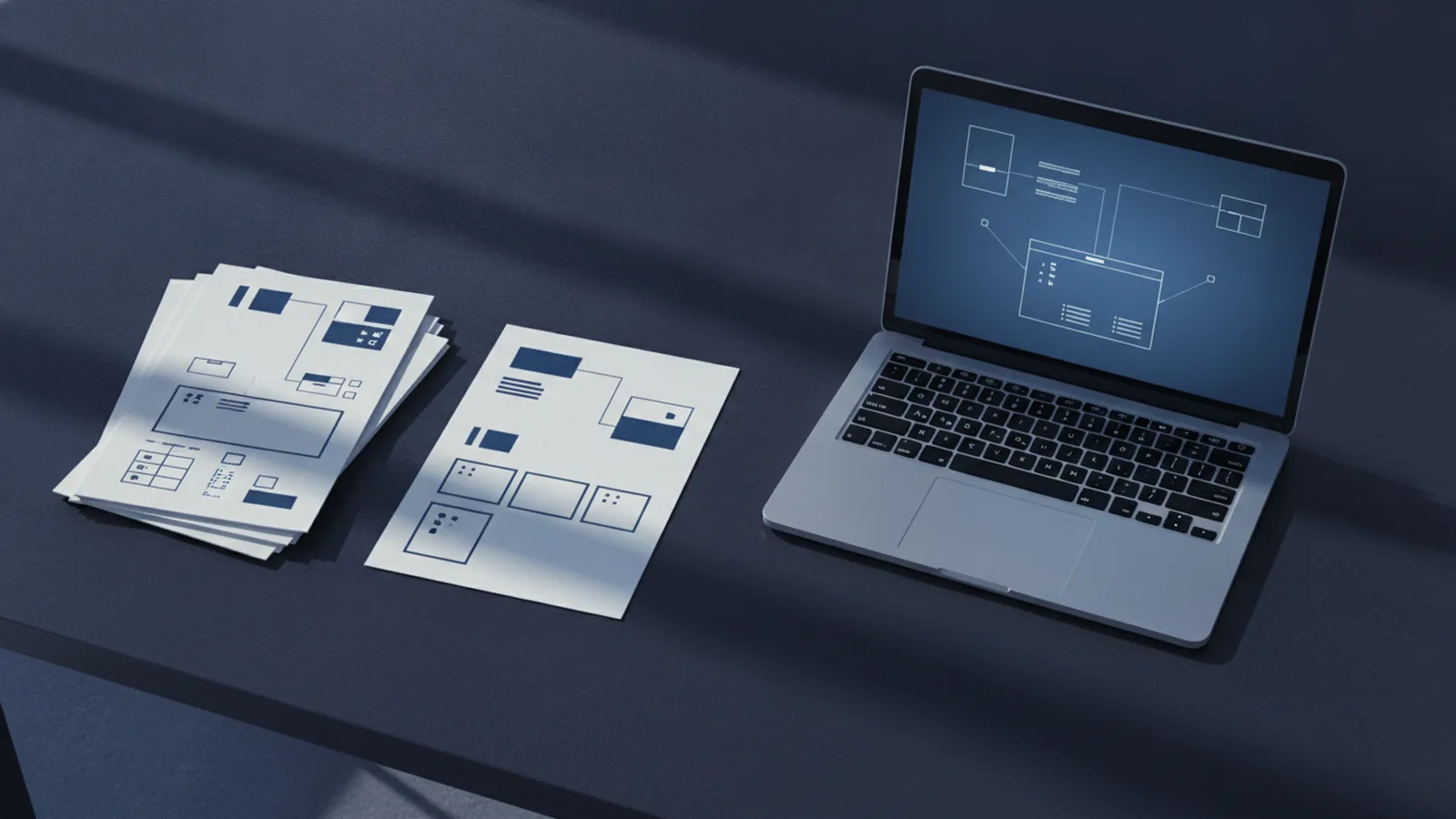
Understanding Editable PDFs
What is editable PDF content? It is a file with changeable text, images, or form fields.
What is an editable PDF used for? Common uses include forms, invoices, surveys, leases, and sign-up sheets.
A flat PDF shows fixed page content. An editable file lets you change text or enter data.
Form fields make data entry easy. They can hold names, dates, numbers, choices, and signatures.
- Text fields: Users type names, notes, or account details.
- Check boxes: Users choose one or more options.
- Radio buttons: Users choose one option from a group.
- Drop-down lists: Users select one answer from a set list.
- Signature fields: Users sign in a marked space.
The best method depends on your goal. A PDF editor changes a finished file.
A design app builds the page layout. A form tool adds fields for other users.
How to Create an Editable PDF

How to make an editable PDF file? Start with a clean source document.
You can use Word, Excel, Google Docs, Canva, or a design app. Export the page as a PDF first.
Then add fields with a PDF form tool. This step turns blank spaces into working controls.
How do I make an editable PDF? Build the page, export it, and add fields.
How make editable PDF forms? Plan each field before you design the page.
A short form often needs five to ten fields. Give each field a clear label and enough room.
- Create the page in your chosen app.
- Export the page as a PDF.
- Open the PDF in a form editor.
- Add fields over the correct labels.
- Set field names, types, and required answers.
- Save a copy and test it on several devices.
To learn how to make an editable PDF in Word, add labels and blank areas first.
Then use the PDF export option. Add fields after export if users must type answers.
How to make an editable PDF from Word follows the same path. Word creates the layout, while the form tool adds field behavior.
How to make an editable PDF in Google Docs also starts with export. Download the document as a PDF, then add fields in an editor.
You can make an editable PDF free with a free editor or trial plan. Check its field limits before you start.
Editing Existing PDFs

How to edit editable PDF files depends on the file type. A form PDF already has fields you can click.
A text PDF needs a full editor. A scan needs text recognition before you change its words.
Open the file in a trusted PDF editor. Choose edit mode, then click the text or object you want to change.
You can move images, add pages, crop content, or remove blank pages. Keep a backup before major edits.
How to take a PDF and make it editable? Open the scan in a tool with text recognition.
The tool builds a text layer over the scanned page. Check names, dates, and numbers by hand afterward.
How to make text editable in PDF files? Use text recognition for scans.
For normal PDF text, use the edit tool instead. Some editors treat each text block as a separate item.
That setup can change spacing when you add words. Save a new copy after each major change.
How to make an editable PDF in Acrobat uses its edit and form tools. How to make an editable PDF in Adobe follows a similar workflow.
For field details, see Adobe's guide to creating fillable PDF forms. It explains field types and form checks.
Making Forms With Design Apps
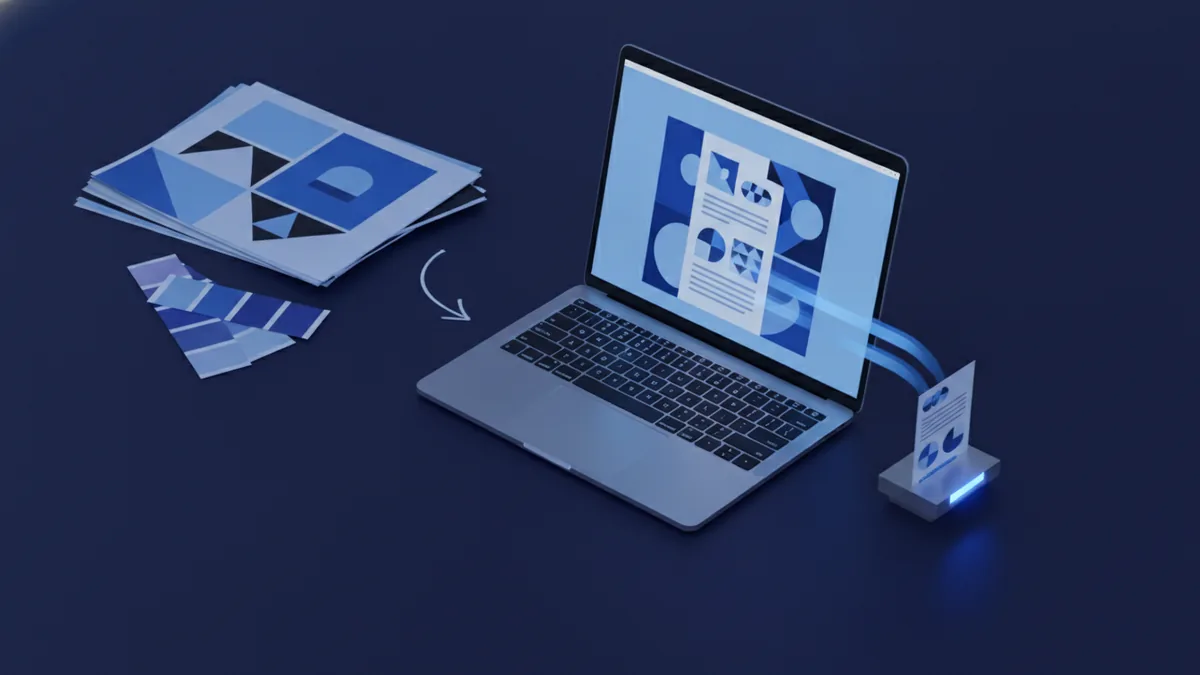
Can you make an editable PDF in Canva? Yes, but Canva mainly handles layout and style.
How to make an editable PDF in Canva starts with a clean page design. Add headings, labels, lines, and blank spaces.
Next, download the design as a PDF. Open that file in a form editor.
Add text fields over the blank spaces. Add check boxes or drop-down fields for choices.
Can you make editable PDF in Canva without another tool? Canva can edit some page content.
It does not turn every design element into a fillable field. A form editor gives users real input controls.
Illustrator works well for a designed page. How to make an editable PDF form in Illustrator still requires a form tool for fields.
How to make an editable PDF in Illustrator follows the same export process. Design the page, export it, then add fields.
InDesign offers strong control over page layout. How to make an editable PDF from InDesign starts with a finished InDesign file.
How to make an editable PDF in InDesign uses the export command. How to make an editable PDF in InDesign CS6 uses the same broad idea.
CS6 may show older menu names. Test the exported file before sharing it.
These apps create the visual layer. The form tool creates the interactive layer.
Choosing PDF Editing Tools
Your choice should match the job, budget, and file type. Simple text changes need fewer features than form work.
Desktop software often gives strong control over layout. Online PDF editors work well for quick tasks.
Check privacy terms before uploading private records. Offline tools may suit contracts, health data, or payroll files.
| Tool type | Best for | Main trade-off |
|---|---|---|
| Desktop PDF editor | Text, images, pages, and forms | May cost more |
| Online PDF editor | Fast edits on many devices | Requires file upload |
| Design app | Layouts, color, and page style | Needs a form tool for fields |
| Free PDF tool | Basic edits and small forms | May limit file size or fields |
Use a design app for a polished page. Use a PDF editor for changes and form fields.
Use a free tool for a small task. Paid software may save time on large forms.
Do not confuse file conversion with form creation. Exporting a file does not add live fields.
Tips for Effective PDF Editing
Start with a clear source file. Remove extra pages and fix layout problems before export.
Use short field labels. Place each field close to the question it answers.
Choose the right field type. A date field suits dates, while a check box suits several choices.
Set a useful tab order. Users should move through the form from top to bottom.
Test the file on a phone and computer. Type sample answers, save the form, and reopen it.
Check that fields keep their data after saving. Also check print results and file size.
- Keep a blank master copy.
- Use clear field names.
- Mark only truly needed fields.
- Set readable font sizes.
- Test long answers and unusual dates.
- Share the finished PDF, not the source file.
A careful test catches broken fields before users see them. It also makes the form easier to fill out.
Related reading
How to Send an Editable PDF to Anyone
Send editable PDF forms by email, link, or cloud storage with ease.
PDF Files: Format, Uses and Limits
See how PDFs work, what they contain, and when they are useful.
Make an Existing PDF Fillable: A Simple Process
Add form fields to a static PDF and make data entry easier.