How to Open PDF Files on Windows, Mac, iPhone, Android, and Chrome
Learn how to open PDF files on Windows, Mac, mobile, and Chrome. Fix “can’t open” errors, manage multiple PDFs, and choose the right reader.
Understanding PDF files
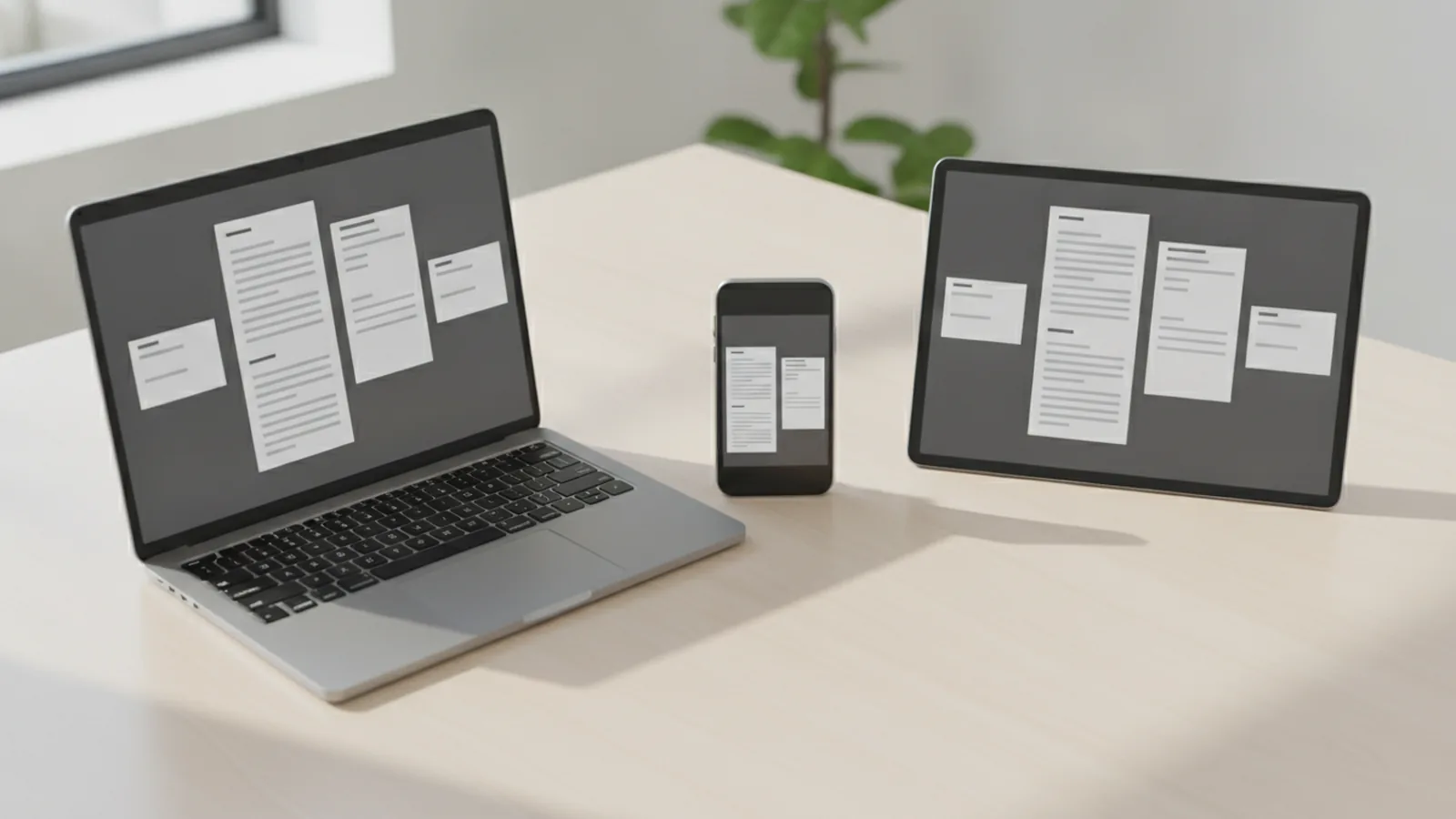
PDF stands for Portable Document Format. It keeps the same layout across devices, even when fonts or spacing differ. That makes PDFs common for invoices, contracts, forms, manuals, and scanned documents.
Most PDFs open using built-in tools or free PDF readers. You will still want a dedicated reader when you need search, zoom tools, or better printing. If you share documents often, PDF file management matters because files stay consistent.
If you search for how to open files with pdf, the first step is always the same. Confirm you actually have a PDF file, not a mislabeled download. Then pick the best app for your device.
- Look for the .pdf ending on the file name.
- Open a known PDF to test your reader first.
- Keep backups when changing file settings.
How to open PDF files on Windows
You can usually open a PDF on Windows with Microsoft Edge or the default PDF reader. If your PC can no longer open PDF files, Windows may have lost the file association. The fix is mostly about resetting the default app and confirming the file is not corrupted.
Here is a reliable path for how to open PDF files on Windows. Start with simple steps, then move to deeper checks if needed.
- Locate the PDF in File Explorer and double-click it.
- Check the file association if nothing opens. Right-click the PDF. Choose Open with, then pick a reader.
- Set the default app so it opens next time. Select Always use this app for your chosen reader.
- Try Edge first. Many Windows installs open PDFs directly in Edge without extra installs.
- Restart and retry. If you i cannot open files after downloads, try opening from the original location.
If you get “can t open pdf files” or the file opens blank, the PDF may be damaged. Try opening another PDF from the same source to compare behavior. If other PDFs open, the problem is likely that one file.
How to open PDF files on a Mac
macOS includes a built-in PDF viewer in Preview. That makes how to open pdf files on a mac fairly simple. You do not usually need extra software unless the PDF uses special protections.
If can no longer open pdf files on your Mac, first check whether Preview is set as the default app. Then try opening the file from Finder rather than from a shared link in your browser.
- Open Finder and find the PDF.
- Double-click the PDF to open it in Preview.
- If it opens in the wrong app, right-click the file.
- Select Open With, then choose Preview.
- Click Change All to make this the default for PDFs.
Preview also helps with file management. You can reorder pages, rotate pages, and print quickly. For deeper work like redaction or form filling, you may prefer a full-feature reader later.
Using PDF files on mobile devices
Mobile document handling is mostly about choosing a stable PDF reader. iOS and Android both support PDF viewing, but the experience varies by app and file source. If you can ipad open pdf files from email, it may fail from a downloaded cloud link.
For iPhone and iPad, use the Files app or open the PDF from your email or browser. Many PDFs open directly in the built-in viewer. For Android, your device may open PDFs in the default viewer or in Google Drive.
- Android: Open the file in your Downloads folder, then tap the PDF viewer.
- iOS: Tap the PDF attachment to open it in the viewer, then share or save in Files.
- Cross-platform compatibility: If a PDF is made from scan software, quality can affect readability.
For Chromebook users, the built-in browser experience is often enough. The question can chromebooks open pdf files usually has a yes answer. Chrome-based devices typically open PDFs in the browser or in a cloud viewer.
If you need how to open two pdf files side by side on mobile, it is limited. Many phones do not offer true side-by-side PDF viewing. Instead, you can switch between apps using split-screen on some tablets, or open one PDF then share a link to open the second.
Troubleshooting when PDFs won’t open
When you search can’t open PDF files, you are usually hitting one of a few common causes. The most frequent ones are wrong app association, corrupted download, unsupported encryption, or missing reader support for the PDF features.
If you see messages like “cannot open PDF files” or the file stays blank, try this ordered troubleshooting approach. It works for Windows, Mac, and mobile, with small UI differences.
- Verify the file. Re-download it if the download was interrupted.
- Try a different reader. For example, try Edge on Windows or Preview on Mac.
- Open the PDF from the saved file, not from a temporary download folder.
- Check storage space. Low space can break loading for large PDFs.
- Confirm it is a real PDF. A .pdf extension does not guarantee valid content.
If the PDF is DRM protected, you may not be able to open it fully. In that case, you need the vendor’s permission or the correct licensed app. The question how to open drm protected pdf files depends on the protection method and your rights.
Also check file size. Large scanned documents can open slowly, and readers may appear frozen. Wait a bit, then zoom in gradually instead of hammering page rendering.
Using PDF in web browsers like Chrome
Browsers can open PDFs without installs in many cases. This is why how to open pdf files in chrome often becomes the fastest fix. Chrome can display PDFs using its built-in PDF viewer, and it supports zoom and print for most files.
To open a PDF in Chrome, you can either drag and drop the file into the browser or use the file picker. If the PDF is online, open the link and let Chrome render it. You can also open a downloaded PDF by double-clicking it or right-clicking it and choosing Open with Chrome.
- Drag the PDF file into a Chrome tab.
- Use the browser file picker when drag-and-drop fails.
- For downloads, open the file from your Downloads folder.
If the PDF shows a blank page in Chrome, try the same file in another browser. If it fails everywhere, the PDF may be corrupted. If it works in another browser, you likely have a Chrome extension or cache issue blocking rendering.
Advanced PDF file handling options
Once you can open PDFs, the next step is handling them efficiently. You might need better organization, batch work, or a reader with advanced tools. For example, you may want to merge or split PDFs for smoother document sharing.
When you want options for handling multiple PDF files at once, use file management tools. On Windows and Mac, you can select multiple PDFs and open them with the same app. That can speed up review, but not all readers support true tabbed batch workflows.
Also consider what you need to do next. If you only view, built-in viewers are enough. If you edit, fill forms, or manage signing, you will want a feature-rich PDF reader.
| PDF reader | Best for | Key features |
|---|---|---|
| Preview (macOS) | Quick viewing and simple edits | Thumbnails, rotate, basic markup, print |
| Microsoft Edge (Windows) | Browser-friendly viewing | Zoom, search, print, stable default |
| Chrome PDF viewer | Fast open from the web | Quick rendering, zoom, basic navigation |
| Adobe Acrobat Reader | More advanced PDF tasks | Search, form tools, accessibility options |
| Mobile PDF readers | On-the-go document handling | Open attachments, save to files, share flows |
Some users ask do i need adobe reader to open pdf files. You usually do not. Built-in readers on Windows, Mac, iOS, and Chrome typically handle normal PDFs.
If you want to use Adobe, you can change settings. The question how to change settings to open pdf files in adobe is usually answered by setting Adobe as the default app in your system’s file association menu. Then PDFs you download should open in Adobe automatically.
For full setup, you may also want how to open all pdf files with adobe reader. That means “set as default” for the PDF file type, not just opening one file. If you cannot open PDFs even then, the file itself may be protected or corrupted.
Finally, if a PDF uses special protections, you may need the correct licensed viewer. That is the main constraint behind how to open drm protected pdf files. Your best next step is checking how the PDF was issued and which app it expects.
If you hit a PDF that will not open after all steps, consider using a different source. Ask the sender for a fresh download and confirm the file is a true PDF. For repeat issues, keep a small test PDF on your device to compare against new downloads.
FAQ
- How do I open PDF files on Windows if they won’t open?
- Try opening the file in Edge first. If it still fails, right-click the PDF, choose Open with, and set the correct default reader.
- How to open PDF files on a Mac when Preview is not working?
- Open the PDF in Preview from Finder, then set Preview as the default for PDFs. If it still fails, the file may be corrupted or protected.
- Can iPad open PDF files from email attachments?
- Yes, most iPads open PDF attachments directly in the built-in viewer. Use the Files app to save the PDF if you need easier access later.
- Can Chromebooks open PDF files?
- Yes, Chromebooks can open many PDFs using the Chrome PDF viewer. If a file won’t load, try downloading it and opening from the Downloads folder.
- How to open PDF files in Chrome?
- Open the PDF link or download it, then open it from the Downloads folder. You can also drag the PDF into a Chrome tab.
- Do I need Adobe Reader to open PDFs?
- No. Windows, Mac, Chrome, and mobile devices usually have built-in PDF readers for standard files.