How to Cite a PDF From a Website in APA 7th Edition
Need APA 7 citations for website PDFs? Get the exact format, rules, and examples.

Understanding PDF citations
If you need to cite a PDF from a website in APA 7, start by treating the PDF like its original source type. APA cares more about what the document is than where you found it. So a PDF that is a report still gets a report-style citation, even if you downloaded it from a webpage.
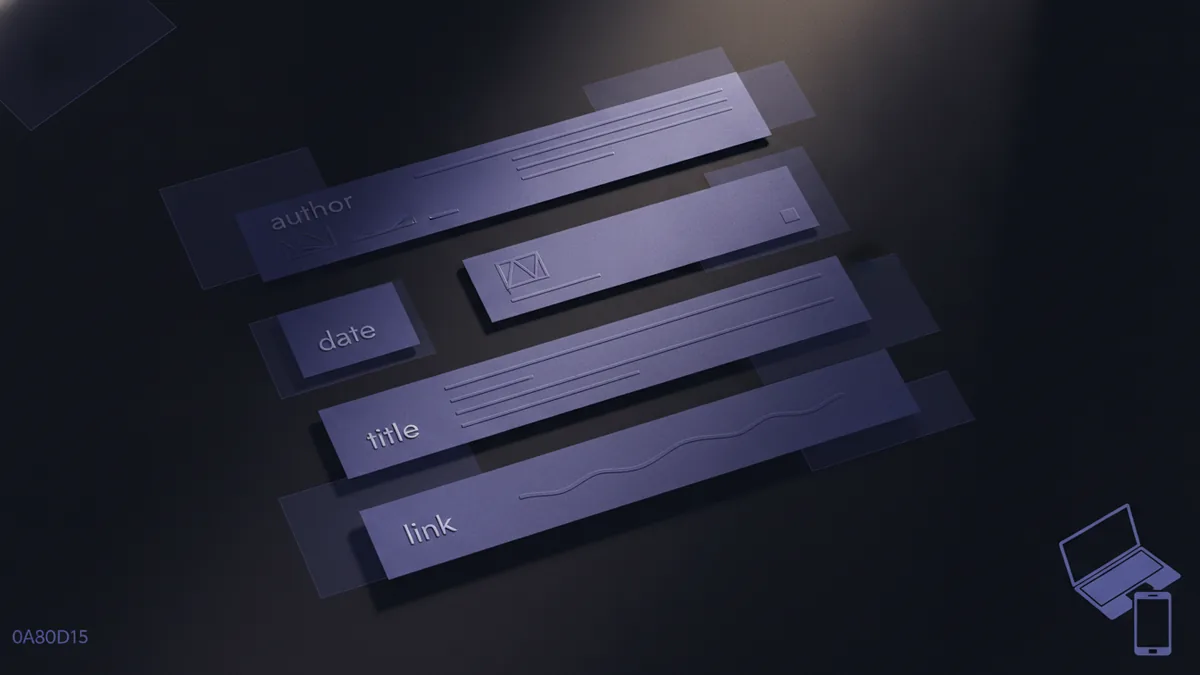
In APA terms, you are building an entry in your reference list. That entry usually includes the author or organization, the date, the title, and the URL. These parts help readers find the same electronic source you used.
This guide focuses on “electronic sources” rules that matter for PDFs. You will also see how to handle common problems like missing dates or unclear authors. You can use the examples as templates for your own reference list.
- Use the PDF’s real format (report, journal article, webpage document)
- Put author name first, then date, then title, then URL
- Use the most specific publication date you can find
- Use “n.d.” when no publication date is provided

General format for APA citations
APA reference entries follow a consistent pattern. For PDFs from websites, the core structure is usually: author, date, title, and URL. Keep the title exactly as shown, including any subtitle.
In APA 7, the author can be a person, a group, or an organization. If the author and the site name are the same, you generally omit the site name to avoid repetition. This helps your reference list stay clean and readable.
The URL usually appears at the end of the entry. APA 7 does not ask you to add “Retrieved from” before URLs in most cases. You only add it when your source type or your instructor specifically requires it for a changing page.
| Component | What to include |
|---|---|
| Author | Person name or organization name from the PDF |
| Date | Year or full date shown, using the most specific one |
| Title | Document title in italics in APA formatting |
| URL | Link that takes readers to the PDF or the landing page |
When you format titles, follow APA style rules for capitalization. For many document titles, you use sentence case, not title case. If you are unsure, copy the capitalization from the PDF title page.
Citing PDFs from websites
To write an accurate APA entry for a website PDF, first identify the document type. Is it a government report, a policy brief, a journal article PDF, or a research paper? APA tells you to cite it based on that original source type.
Next, locate the author and publication date inside the PDF itself. Many PDFs include a cover page, a footer, or a copyright line with the date. Use the most specific date available, such as “March 15, 2022,” not just the year.
Then copy the title from the PDF. If the PDF has a subtitle, include it. Titles in APA reference lists are typically italicized; your word processor may handle this automatically if you apply italics.
Finally, add the URL. In APA 7, you normally include only the URL, without “Retrieved from,” unless the source is designed to change over time and your method requires a retrieval note. A stable PDF link usually does not need it.
- Identify the PDF type (report, article, policy brief)
- Find the author and the most specific publication date
- Copy the full document title
- Paste the URL at the end
Author names and site names
Many website PDFs show an organization as both the author and the host site. APA instructs you to omit the site name in that case. For example, if “World Health Organization” is the author and also the hosting entity, you keep only the author.
If they differ, include the organization as the author and use the URL to show where readers can access it. You do not need extra “site” wording when the URL already points to the document.
URL in APA 7 citations
APA uses URLs in reference list entries for electronic sources. Keep the URL as a direct link whenever possible. If the PDF is only accessible through a landing page, use that landing page link instead.
If your URL ends with a long tracking string, use the canonical stable link when you can. Stable links reduce the chance that your reader gets an error. When you can’t find a stable link, keep the best available URL from the website.

Citing PDFs with no author
Sometimes a PDF credits no individual or organization as an author. In that case, APA tells you to start the reference with the title. Move the date next, then continue with the rest of the entry.
Before you assume there is no author, check the PDF closely. Look for a report author line, an issuing agency, or a corporate author. Many “anonymous” PDFs still list a government department or publisher.
If the author is truly not listed, begin with the title. Use sentence case for the title capitalization rules, and place the publication date right after it.
- When no author is listed, start with the title
- Use “n.d.” if no date appears anywhere in the PDF
- Put the URL at the end
Also pay attention to how the date appears. Some PDFs have an “updated” date, while others have a “published” date. If you see both, use the most specific date that matches the document’s publication information.
Using n.d. for missing dates
If a PDF does not provide a publication date, write “n.d.” where the date normally goes. Do not guess a date from the website page or an unrelated news post.
For APA reference list accuracy, the document should drive the date. If the PDF is undated, “n.d.” signals this clearly to your readers. Your reference list stays honest and consistent.

Examples of common citations (PDF reports, government documents, and articles)
Examples are the quickest way to learn how to cite a PDF from a website in APA. Below are realistic templates that match the APA 7 approach. Use them to build your own reference list entries.
In each example, follow the pattern: author (or title), date, title, and URL. When you find a new PDF, replace the fields with what the PDF itself states.
Example 1: Report PDF from an organization
Format: Author/Organization. (Year or full date). Title of report. URL
Example: International Energy Agency. (2021). World energy outlook 2021. https://example.org/world-energy-outlook-2021.pdf
Notice how the author is first, then the date, then the title. You do not add “Retrieved from” in APA 7 for a stable PDF.
Example 2: Government document PDF
Format: Government agency. (Year or full date). Title of document. URL
Example: U.S. Department of Health and Human Services. (2020, September). Healthy people 2030: Objectives and data systems. https://example.gov/healthy-people-2030.pdf
Use the most specific date you can find in the document. If the PDF includes only a year, use only the year.
Example 3: Article in PDF format (with a stated author)
Format: Author, A. A. (Year). Title of article. Title of Journal, volume(issue), pages. URL
Example: Smith, J. A. (2019). Effects of sleep timing on cognitive performance. Journal of Behavioral Science, 12(3), 44-59. https://example.com/article-2019.pdf
If your PDF is actually a journal article, use the journal article citation pattern. Do not treat it as a generic report. That choice depends on the source type shown in the citation details.
Example 4: No-author PDF with n.d.
Format: Title of document. (n.d.). URL
Example: Emergency preparedness guide for small businesses. (n.d.). https://example.org/emergency-preparedness-guide.pdf
Start with the title because no author appears. Use “n.d.” because the PDF provides no publication date.
Example 5: Organization is also the website name
Format: Organization. (Date). Title. URL
Example: World Health Organization. (2022). Guidance on infection prevention and control. https://who.int/guidance-ipc.pdf
If the hosting site is the same as the author, you do not add the site as a separate element. The author name already covers that identity.
Tips for accurate APA 7 citations
Small details make a big difference in an APA 7 reference list. Use these practical checks while you build citations for website PDFs. They help you avoid the most common citation errors.
First, verify the author and date from the PDF, not just from the webpage. Web pages may show a different update date than the PDF itself. The safest source of truth is the document you are citing.
Second, match the citation template to the document type. Treating a journal article PDF as a report creates a mismatch. APA expects consistent source types in your reference list.
- Use the PDF’s author credit, not the website header
- Use the most specific date shown in the PDF
- Use “n.d.” when no date is provided
- Omit “Retrieved from” before URLs in typical cases
- Start with the title when no author is listed
Quick validation checklist before you submit
Before you finalize your reference list, scan each entry for the required order. Author comes first, then date, then title, then URL. If any field is missing, use the rule that fits your case, like n.d. or title-first.
Also check that your title matches the document title exactly. Copy spelling and punctuation from the PDF title line. That precision helps readers and graders locate the source quickly.
Need a quick way to double-check APA formatting for electronic sources? Compare your entries against the official APA guidance and your instructor’s settings.
If you want one more anchor, you can consult the general APA 7 guidance on reference list entries for electronic sources from the official publisher. The core principles about author, date, title, and URL match what you used here: APA Style website reference list guidance.
Once you apply these rules across your reference list, your citations will read as consistent and credible. That consistency matters in APA format, especially when readers check sources.
Related reading

Send One Page of a PDF: Tools and Steps
Extract the page you need, save it as a new PDF, and share it with ease.

PDF Password Recovery: Safety and Access
Learn safe ways to recover access to a password-protected PDF.

DOC to PDF: Easy Methods for Every Device
Save DOC files as PDFs online, on your computer, or on an iPhone.