How to Edit a PDF Online (Free Tools + Scanning Fixes)
Learn how to edit PDFs online free, with OCR tips for messy scans.
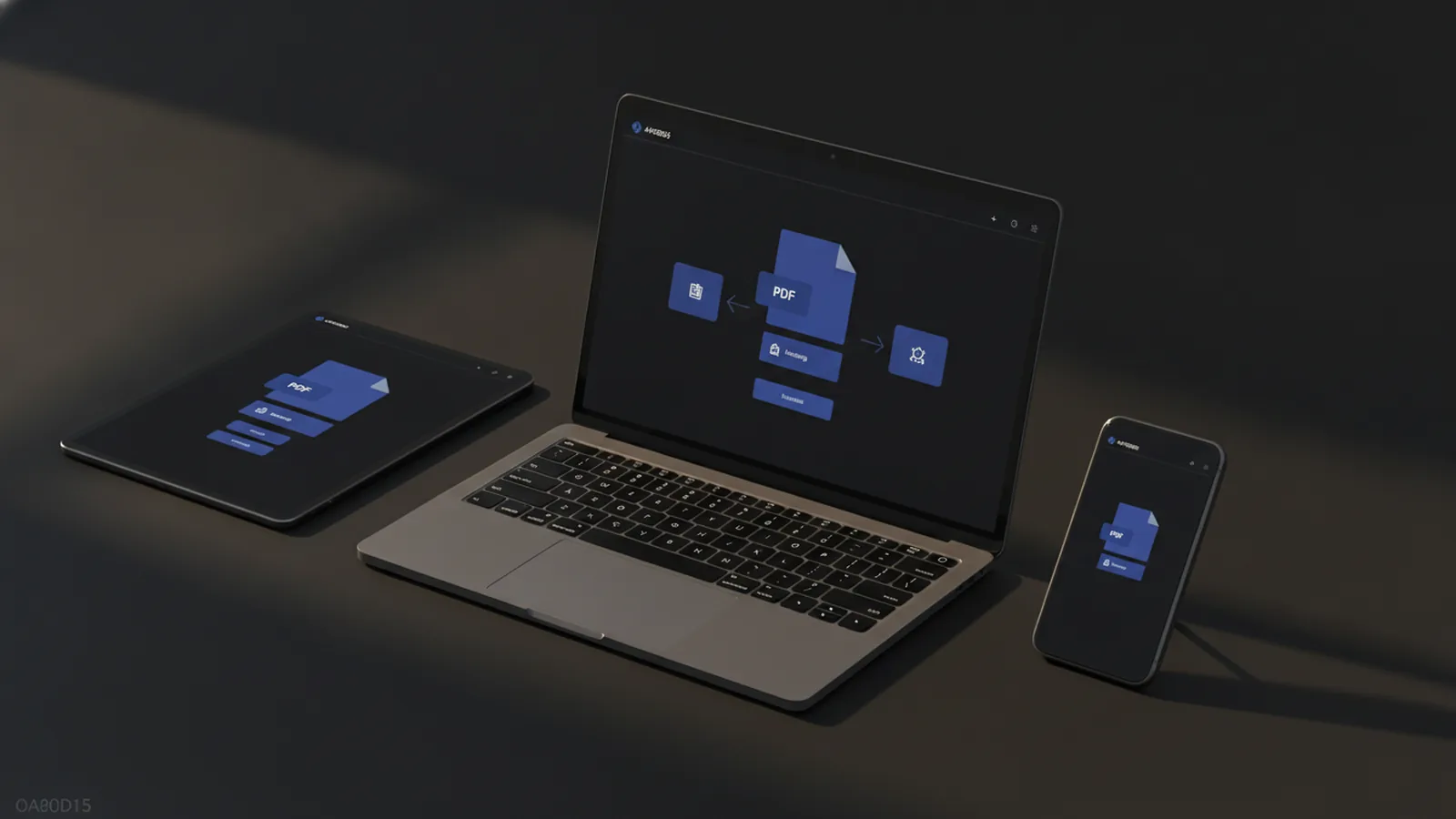
Quick answer: edit PDFs online in minutes
If you want to edit PDF documents online without installing software, use a web-based PDF editor that supports text edits, images, and form fields. Most tools work the same way: upload your PDF, make changes in the browser, then download the updated file. This approach is ideal for small edits like fixing typos, filling forms, or adding signature fields.
When your PDF is a scan, you usually need OCR technology first. OCR turns the picture of text into real, selectable text. Then you can edit like a normal PDF. In the sections below, you will find the key features to look for and a practical step-by-step workflow.
What PDF editing means, and why it matters
PDF editing means changing content inside a PDF after it is created. That can include editing text, moving objects, adding images, or filling fields. Some tasks also involve PDF annotations like highlights, comments, and drawing marks.
People edit PDFs for very common reasons. They fix typos in a contract, update pricing in a brochure, and remove outdated contact info. They also fill out applications and invoices, or add Signing PDFs online fields for quick approvals.
Editing is also important when you receive a PDF from someone else. For example, you might get a form with fields that are not filled yet. Or you might receive a flyer where only one section needs changes. Online tools are often faster than recreating the whole document.
Why use an online PDF editor instead of desktop software?
Online editors save time when you only need to make a few edits. You avoid installs and you can work on any device with a browser. That matters when you are traveling, working with a client, or switching between Windows and macOS.
They can also speed up teamwork. You upload the file, edit it, and share the result quickly. Many editors keep the UI focused on a few tasks, so they are easy for non-technical users.
Finally, online workflows reduce the risk of version confusion. You can keep your original untouched, then download a new version after changes. Just be sure you download immediately after editing.
Key features to look for in edit PDF online tools
Not every “PDF editor” can truly edit content. Some tools mostly add notes, while others can change text and layout. Before you decide on an option for how to edit pdf online, confirm it supports the task you need.
Here are the features that cover most real editing cases:
- Text editing: change words in existing text blocks.
- Image tools: add, replace, or move images.
- Drawing and shapes: circles, arrows, and freehand marks for review.
- Form filling: fill checkboxes, text fields, and radio buttons.
- PDF annotations: highlights, comments, and stamps.
- OCR: convert scanned pages so text becomes editable.
- Export: download the edited PDF without losing quality.
If your goal is document cleanup, OCR is the deciding feature. If your goal is review, annotation tools may be enough. Knowing your use case prevents frustration.
How to edit a PDF free online (step-by-step)
This workflow shows how can i edit a pdf online using a typical browser-based editor. The exact buttons vary, but the sequence is similar across tools. Try it on a copy first, especially for important documents.
- Upload your PDF: choose the file from your device or cloud storage. Wait for it to finish processing.
- Select the edit mode: look for options like Edit Text, Add Image, or Fill Forms.
- Edit text: click the text area you need to change. Replace words carefully and check line wrapping.
- Adjust layout if needed: if the new text changes spacing, use alignment tools or resize handles.
- Add images or marks: place the image or use drawing tools for review notes.
- Fill fields: if the PDF has form areas, click each field and enter values.
- Preview: scan the full page for mistakes, especially near headers and tables.
- Download the result: save the edited PDF immediately as a new file name.
For how to edit pdf online free, look for limits like file size, page count, or number of free edits. A common pattern is free editing for basic tasks, while advanced features require a paid plan. If you only need one page fixed, choose the tool that lets you work quickly with minimal limits.
Clean up a poorly scanned PDF online with OCR
If your PDF looks fuzzy or the text cannot be selected, it is likely a scan. To how to clean up a poorly scanned pdf online, start with OCR so the content becomes editable. OCR technology can also fix simple recognition errors when the scan is clear enough.
Use this practical cleanup process. It works well for receipts, forms, and printed pages:
- Upload the scanned PDF: keep the original for safety.
- Run OCR: select an OCR option and choose the language if the tool asks.
- Check OCR accuracy: look for wrong words in key lines like names, totals, and addresses.
- Edit the recognized text: now you can use the normal text edit tools.
- Improve readability: if the scan is too dark, some editors offer contrast or rotation fixes.
- Export a clean PDF: download the updated file after you correct major errors.
When you ask how to clean up a poorly scanned pdf online free, the answer is usually “use OCR, then correct manually.” Free tiers may let you OCR a small number of pages. If your PDF is large, consider cleaning only the pages you truly need.
For best results, ensure scans are straight and high contrast. If you can rescan the source, aim for darker text on a light background. OCR cannot magically recover missing ink, but good scans reduce cleanup time a lot.
Best practices for editing PDFs online
Online editing is fast, but good process prevents errors. First, work on a copy. Many tools do not keep a detailed edit history, so it is easy to lose what you changed.
Second, verify the final PDF on multiple views. Zoom in at 100% and 200% to catch spacing issues, clipped characters, and misaligned checkboxes. For forms, confirm each field is truly filled and not just visually covered.
Third, be realistic about what can be edited. Text edits work best when the PDF text exists as real characters. Scans require OCR first. If your PDF was created from images without embedded text, expect a cleanup step.
Here are practical rules that help in daily use:
- Keep fonts and spacing consistent by limiting changes.
- Check numbers twice in tables and totals.
- Avoid replacing large sections unless the tool supports layout editing.
- Use annotations for feedback when you do not want to change the original text.
- Download right after finishing, then re-check page order.
Top online PDF editors to consider (free vs paid)
Choosing an editor depends on your goal: quick text edits, form filling, or scan cleanup. Below is a comparison of typical online PDF editors by feature focus. Exact free limits vary, so check the upload page before you start. Still, this guide helps you match tools to tasks.
| Tool type | Great for | Free vs paid pattern |
|---|---|---|
| Browser PDF editors | Text changes, image adds, basic layout fixes | Often free for small edits; paid for large files or more features |
| Form-focused editors | Filling fields, checkboxes, and simple sign steps | Free for limited pages; paid for more advanced form tools |
| OCR-first tools | Fixing scanned documents and making text editable | Free OCR often limited by page count; paid for bulk OCR and accuracy options |
| Annotation and markup tools | Reviews, highlights, comments, and stamps | Frequent free tier for annotation; paid for heavier editing |
If you are learning how to edit pdf online on internet, start with a tool that matches your most common job. For example, if you mostly fill forms, pick an editor with strong form controls. If you mostly handle scans, prioritize OCR and readability checks.
Document security is also part of choosing. Prefer tools that use encryption in transit and clear deletion policies. Avoid services that ask for unnecessary account details for basic edits. If a site lets you edit quickly without signup, that can reduce exposure.
Document security considerations when editing PDFs online
Editing PDF documents online means uploading files to a third-party service. That raises real questions about Document security, especially for contracts, IDs, and invoices. Start by keeping data minimal. Remove sensitive pages when possible.
Check whether the editor supports HTTPS and strong file handling. Many reputable tools encrypt uploads while they travel and limit access after processing. Also look for options to delete files and avoid keeping copies longer than needed.
When dealing with highly sensitive documents, consider safer workflows. You can use an editor that offers quick processing with minimal retention. Or you can use a desktop tool where files stay on your device.
Finally, treat downloads as new files. Save the edited version under a new name, and review it locally before sending it onward.
FAQ: Editing PDFs online
Can I edit a PDF online without installing software?
Yes. Many browser tools let you edit pdf online by uploading the file, making changes, and downloading the result. You do not need a desktop app.
How do I edit PDF text that comes from a scan?
You usually need OCR first. After OCR, the text becomes selectable, so you can correct it like normal PDF text.
What is the best way to fill out a PDF form online?
Use a tool with form filling controls. Click each field, enter values, and preview before downloading.
How can I edit a PDF online for free?
Look for a free tier that supports your task. Common limits are file size, page count, and how advanced edits can be.
How can i clean up a poorly scanned pdf online free?
Run OCR with the free tier, then review the recognized text. Correct errors where recognition fails, and export the cleaned PDF.
Will editing ruin my PDF quality?
Quality usually stays stable for text edits. Image-based changes may affect sharpness, so preview at higher zoom levels.
Related reading
Notes to PDF: Steps and Tips
Export Apple Notes as a PDF on iPhone, iPad, or Mac with these steps.
PDF Signatures: Methods and Steps
Create, add, and troubleshoot a signature in your PDF with simple steps.
Rotate One PDF Page: Steps and Fixes
Turn one PDF page, keep the rest unchanged, and save a corrected copy.