
How to Change Text in a PDF Document (And Keep Formatting)
Learn how to change text in a PDF and keep the original layout.
Understanding PDF text editing
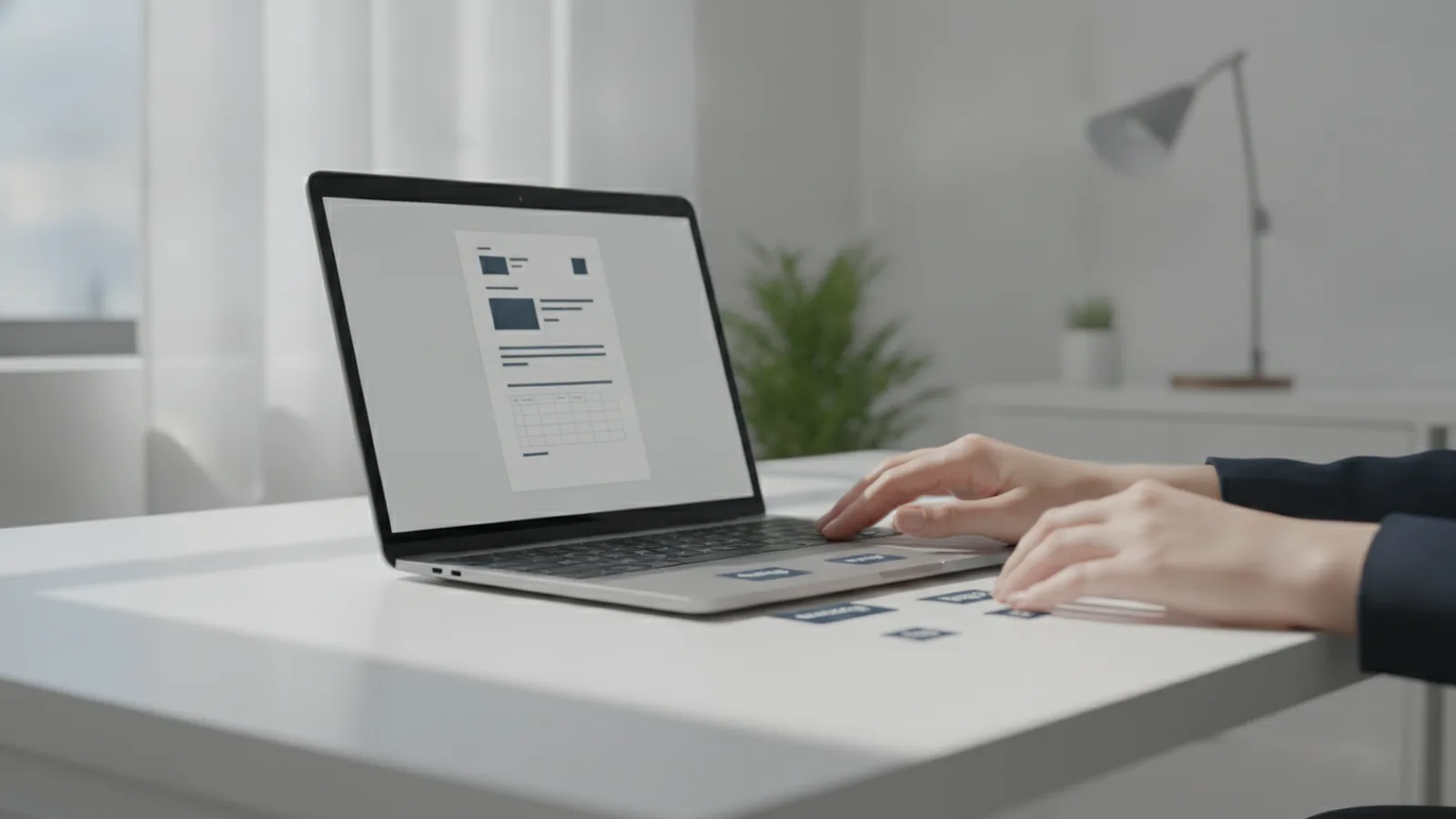
If you are asking how can i change text in a pdf, start with one key fact. PDFs store text in different ways, and that decides what you can edit. Some PDFs keep text as selectable characters. Other PDFs turn text into shapes or images, which blocks direct editing.
When the PDF keeps real text, you can often select words and replace them. You may also be able to change the font and spacing. When the PDF is scanned or built from a picture, you usually need OCR first. After OCR, you can edit the recognized text, but layout results may vary.
Also define what you mean by changing text in a pdf file. Many tools can edit specific lines without rebuilding every page. Others work by flattening the PDF layer, then creating new text on top. Knowing this helps you pick the right tool and expect the right outcome.
- Selectable text PDFs: usually support direct text modification in PDFs.
- Scanned or image text: often need OCR before you can change content.
- Forms: can allow edits in fields, not always free typing anywhere.
Tools for editing PDF text
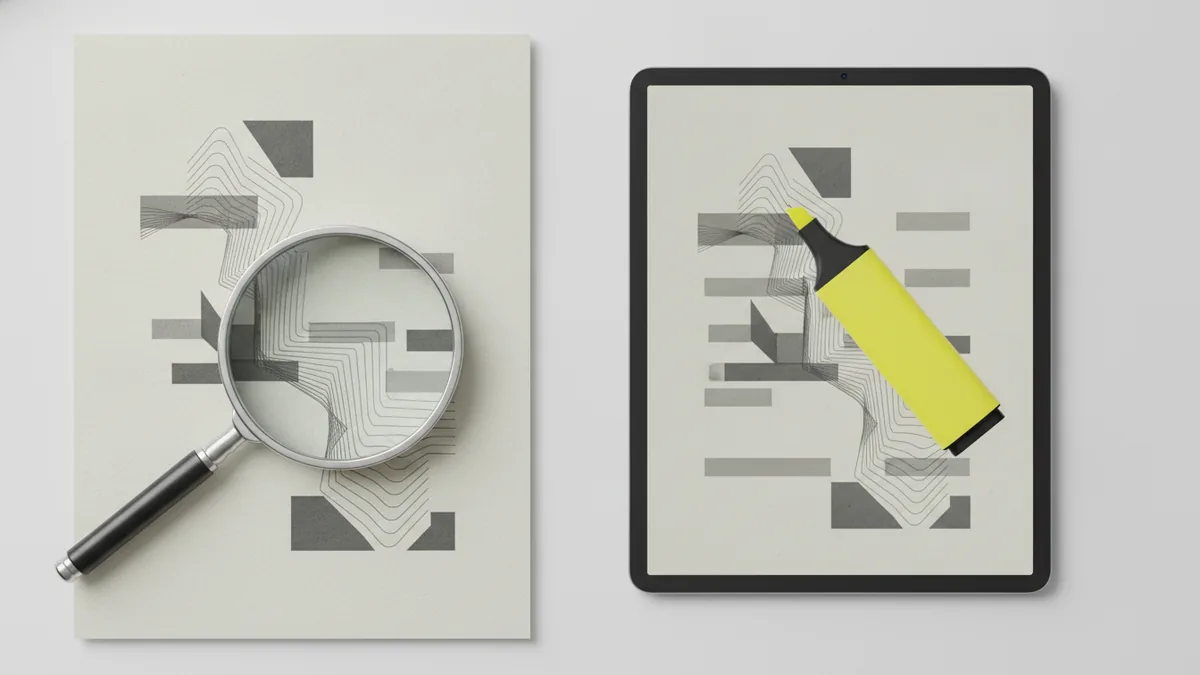
There is no single switch for how do you change text on a pdf. Instead, you choose a path based on your file type and edit goals. For many quick fixes, online PDF editing tools work well. For larger documents, desktop PDF editing software often gives more control.
Online PDF editing tools typically let you upload, edit in the browser, then download. They are convenient when you need a fast change on one document. Many also include tools for text modification in PDFs, like replacing text or changing alignment. Still, complex layouts may shift if the tool rebuilds the page internally.
Desktop tools are usually better when you need more precise PDF formatting. They often support deeper editing, and they can handle tricky page structure more reliably. If your file is a scan, pick a tool that includes OCR, then re-export with care. This approach is often the cleanest way to change text on a pdf that has no selectable characters.
| Tool type | Best for | Common features |
|---|---|---|
| Online PDF editor | Quick edits on one file | Text modification, font controls, alignment |
| Desktop PDF editing software | Frequent edits and complex layouts | More precise PDF formatting control |
| OCR + editor | Scanned or image-based PDFs | Recognize text, then edit and export |
Steps to change text in a PDF
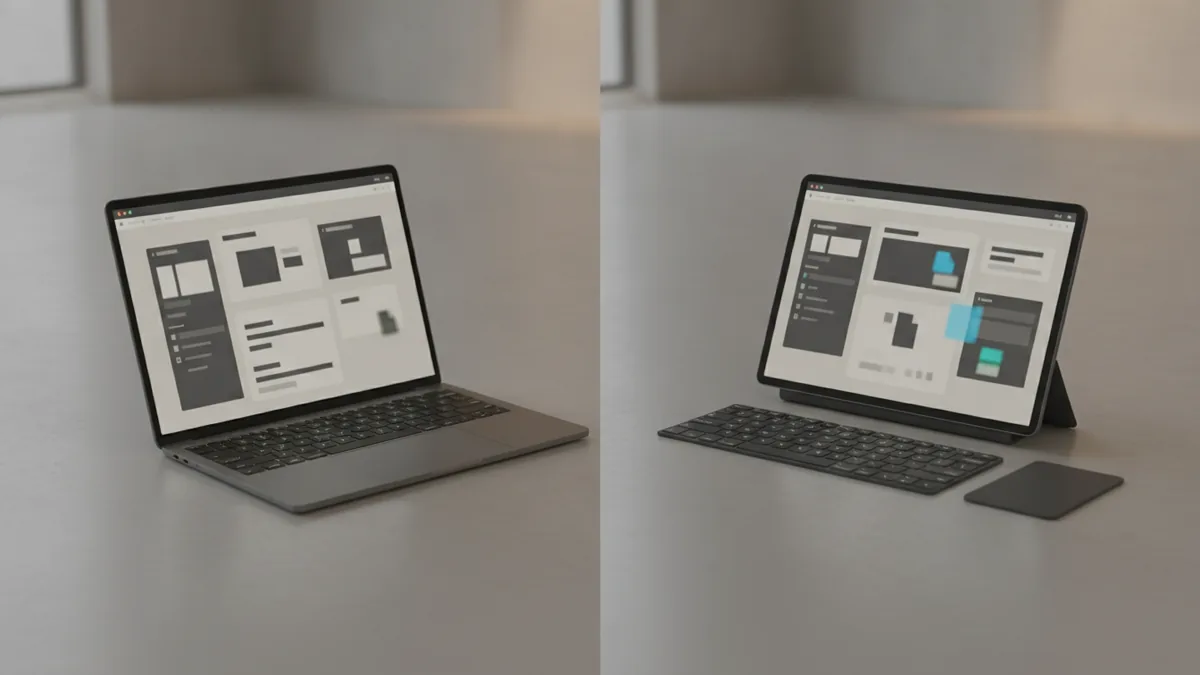
If you want a practical plan for how to change text in a PDF document, use a simple check-first process. First, confirm the PDF contains selectable text. Then choose an editor that matches what the file actually contains.
Start by opening the PDF and trying to select a word. If you can highlight text and copy it, you likely can edit directly. If nothing is selectable, plan on OCR. This step avoids wasting time with tools that cannot touch the content layer.
Once you have the right setup, the edit flow is usually similar across editors. You zoom in, target the exact line, then replace the exact characters. After that, you adjust size or spacing so the line breaks stay similar.
- Open the PDF in your editor. Use an online tool or desktop software based on how many pages you must fix.
- Test selection. Try selecting a word to confirm whether the text is real or image-based.
- Find the text to change. Zoom in so you can see the full word spacing and punctuation.
- Edit the text carefully. Replace the correct characters, not just what looks right at a glance.
- Adjust text size and spacing. If the line wraps, tweak font size or alignment to match the original.
- Check at full view. Scan the page for cut-off letters or shifted baseline placement.
Want a more specific answer for how do i change text in a pdf file? Use this rule. If the editor supports direct text modification, you replace the characters in place. If it does not, you run OCR first, then edit the recognized text layer.
Want to change a value without breaking the layout? Keep the replacement close in length to the original. If the new text is longer, reduce the font size slightly. If it is shorter, you may need extra spacing or alignment tweaks.
Editing text on different devices
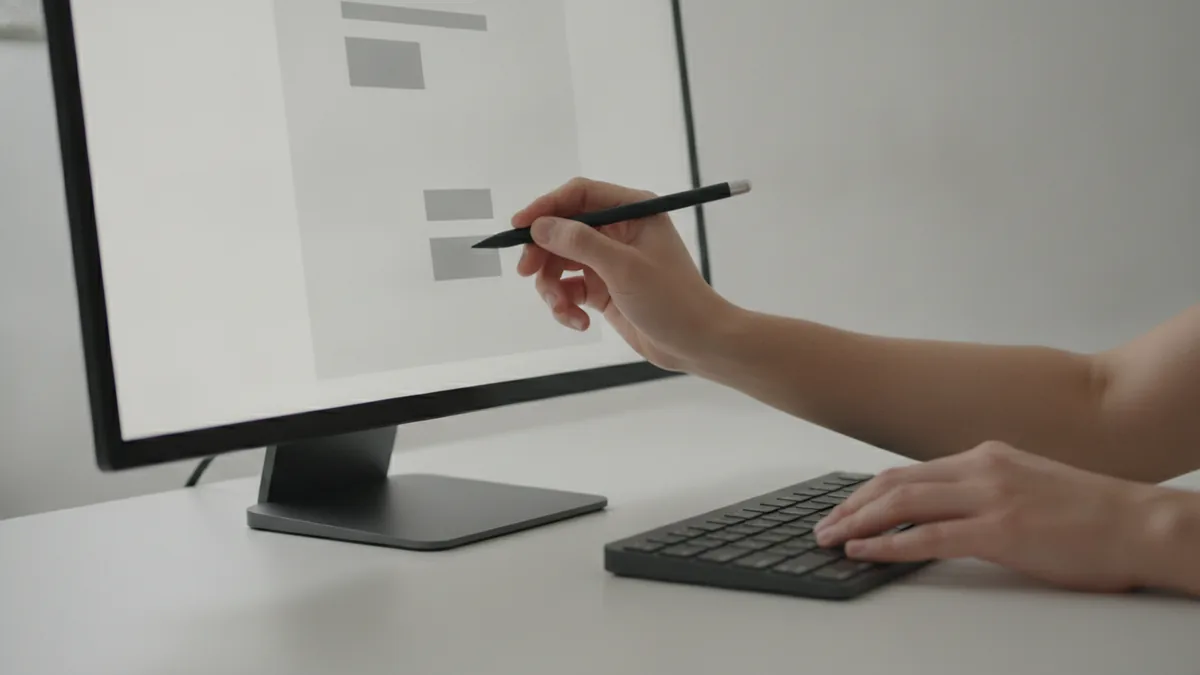
Many people ask how do you change text in a pdf file when they are away from a desktop. The good news is that editing PDFs on-the-go is often possible. Online PDF editing tools work in most modern browsers. That means you can edit on a laptop, tablet, or phone, depending on the site and screen size.
On mobile devices, precision is the main challenge. Selecting tiny words is harder, and it is easy to miss a punctuation mark. Use zoom controls and edit one sentence at a time. For long documents, a desktop workflow will usually save time.
Cross-platform editing is also about file handling. Some tools store edits server-side, then return the updated PDF. Others create a new file layout in the browser. For best results, download and re-open the file before you share it.
If you are comparing approaches, remember this difference. Online PDF editing tools are fast for small changes. Desktop PDF editing software is better when formatting must stay exact across many pages.
- Mobile best use: one page fixes and short text swaps.
- Desktop best use: multi-page edits and tight spacing control.
- Always verify: open the downloaded file to confirm final layout.
Maintaining formatting while editing text
It is easy to change letters but hard to preserve the look. This is why retaining original formatting matters when you change text in a pdf document. Line breaks, font metrics, and spacing can shift when the tool rebuilds the page.
When text must stay aligned, start with size and alignment first. If the editor gives font controls, match the original font as closely as possible. Then adjust text size and line spacing so the new text lands on the same baseline. Finally, review at full zoom and compare to the surrounding content.
If you need to change text color in pdf or match a specific shade, use careful, limited edits. Some editors let you apply a color to the selected text. Others only support color for highlight-like objects. If your editor does not offer true color styling, you may need to replace the entire text box or overlay a new text element.
Here is a quick check for how to change text color on a pdf document safely. Make one small change first and confirm it exports correctly. Then repeat for the next instance. This avoids surprises where color reverts after download.
| Edit goal | What to do first | What to watch for |
|---|---|---|
| Keep line breaks | Match font size and alignment | Wrapping changes when text length differs |
| Keep spacing | Adjust spacing within the editor | Baseline drift after rebuild |
| Change text color | Use text color controls if available | Color may be limited to certain text types |
| Change text size in pdf | Step down or step up in small steps | Cut-off letters at the edges |
Alternatives to direct PDF text editing
Sometimes the best answer for how do you change text in a pdf is to avoid direct edits. If your PDF is image-based, OCR + editing is often the most reliable path. Still, for certain layouts, you may want to convert the file to another format. Then you edit there and export back to PDF.
Many users ask how to change a text file to pdf. This is the reverse direction of editing, but it can be useful in a workflow. If your goal is a clean, editable document, create it in a text editor or word processor first. Then export to PDF with the right fonts. That avoids the OCR and layout drift problem.
Another alternative is replacing content with shapes or overlays. For example, if you only need to remove one line, you can cover it and place new text. This can be faster than deep text surgery. It also helps when the PDF has complex styling that editors cannot match.
Finally, some editing tasks are easier with a full rebuild. If you must change many areas and keep strict typography, convert to a format like DOCX, then edit. After that, export back to PDF. This is slower upfront, but it can reduce formatting headaches for large documents.
FAQ about changing text in a PDF
- Can you change text in a PDF? Yes, if the PDF uses selectable text. If it is scanned or image-based, you usually need OCR first.
- How do i change text on a pdf? Open the PDF in a PDF editor, then select the text you need. Replace it, and adjust text size or alignment to keep wrapping.
- How do you change text in a pdf file on mobile? Use an online PDF editor in your browser. Zoom in for precision and review the downloaded result.
- How to change text color in PDF text box? If your editor supports styling, select the text and apply a color. If it does not, you may need to replace the text box or overlay new text.
- Why does my PDF layout shift after editing? Some tools rebuild the page after modification. Different text length or font metrics can cause wrapping changes.
Related reading
PDF Editing: Tools and Simple Steps
Edit PDFs with Word, Acrobat, or online tools, then save them correctly.
Edit a PDF Document: Free Ways to Start
Edit PDF files free with online tools, Word, Mac apps, or LibreOffice Draw.
How to Permanently Rotate PDF Pages (Adobe + Free Tools)
Rotate wrong page orientation in a PDF using Adobe Acrobat or free online tools.