How to Edit a PDF for Free: Online Tools and PC/Mac Steps
Edit PDFs for free with online tools, plus Windows and Mac tips for clean results.
Introduction to PDF editing
A PDF is a page-like file that keeps its layout stable across devices. That stability is great for sharing, but it can feel limiting when you need changes. The good news is that how can i edit a pdf for free is often answered with either free online tools or free apps.
In most cases, PDF editing means changing content already inside the file. You might update text, replace an image, add comments, or fill fields. Many tools also offer PDF conversion, like turning a PDF into editable Office formats, then back again.
Before you start, identify what kind of PDF you have. A “normal” PDF with real text is easier to edit. A scanned PDF is harder and often needs OCR, which turns images of text into selectable text.
Why edit PDFs for free?
There are practical reasons to edit PDFs without buying software. You may only need one change, or you may be working on a personal document. Many people also edit forms, invoices, or school worksheets where the changes are quick.
Free editing can also help you test ideas before committing. For example, you can add notes to a contract draft or mark up a design brief, then decide whether you need a paid workflow later. Another reason is device access. If you are traveling or using a shared PC, online PDF editing can be the fastest option.
Finally, there is a security angle. You can choose tools that explain how they handle uploads, and you can avoid editing with risky downloads. Still, “free” does not mean “safe by default.” You should check what the tool does with your file.
Best free PDF editing tools
There are two main routes for where can i edit a pdf for free. The first route is free online PDF editors. The second route is free or built-in software on your computer that can edit or add layers like annotations.
Online editors are convenient because they run in your browser. You upload a file, make changes, and download the updated PDF. Some tools focus on common needs like text edits and annotations. Others include OCR for scanned PDFs and PDF conversion between formats.
On desktop, you may get stronger control over editing text, images, and form fields. However, support can vary widely between apps. On Windows, some free options can edit or annotate, but full “word processor” editing may be limited. On Mac, capabilities often depend on which apps you already have.
| Common feature | What it means | Where you’ll see it |
|---|---|---|
| Text editing | Change existing PDF text | Some online editors, plus select desktop apps |
| Image changes | Replace or edit graphics | Fewer free tools fully support this |
| Annotations | Add highlights, notes, stamps | Many free editors and PDF readers |
| Fillable forms | Type into form fields | Most readers; some editors can redesign forms |
| OCR for PDF | Make scanned text searchable and editable | Online editors and some desktop tools |
| PDF conversion | Convert to Office or back to PDF | Free online tools, with some quality limits |
How to edit a PDF using free online tools
If you want a fast answer to how do i edit a pdf for free, start with an online tool. The typical flow is simple: upload, edit, then download. You do not need to install software, which is helpful if you only edit occasionally.
Here is a practical how to edit a pdf free workflow you can follow with most free online editors. Always try to confirm that the tool can handle your PDF type, especially if it is scanned.
- Upload the PDF. Choose the file from your device and wait for it to load.
- Choose the edit mode. Look for options like “edit text,” “annotate,” or “fill forms.”
- Edit the content. For text, click the text area. For scans, run OCR first if offered.
- Review layout. Zoom in and check spacing, line breaks, and alignment.
- Save or download. Use the tool’s download button to get your updated PDF.
If the tool cannot directly edit text, a common workaround is PDF conversion. Convert to an editable format like DOCX or PPTX, make changes, and convert back to PDF. This is often easier than forcing edits on complex layouts.
For security in PDF editing, treat your document as sensitive until proven otherwise. Prefer tools that let you delete uploads quickly. If the document includes personal data, avoid using random free sites.
Editing PDFs on Windows and Mac
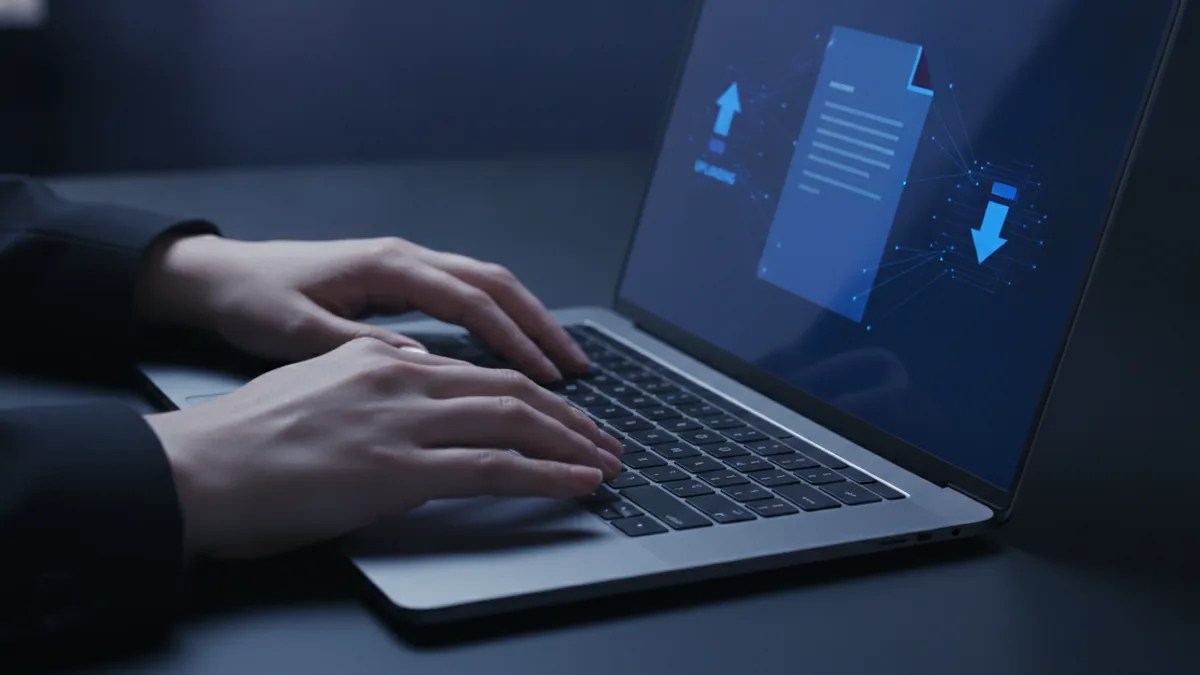
Many people ask how to edit pdf free software on their computer, because browser tools can be slow. On Windows, you can often edit by combining a free PDF reader with a free editor when needed. On Mac, the experience depends on which apps you have installed.
For how to edit a pdf free on mac, start with the most available options. macOS Preview can usually handle viewing, highlighting, and adding simple notes. For text-level edits, you may need a more capable free editor or an OCR step for scanned PDFs.
For how to edit a pdf free on windows, your best route is often annotation and form filling first. Free PDF readers can add stamps, highlight passages, and sign or fill fields. If you need true text edits, look for a free tool that supports text editing, not just commenting.
Key difference to expect: a lot of free tools can annotate well, but fewer can reliably “reflow” text. If a PDF uses unusual fonts, complex tables, or layered content, edits can shift spacing. That is why you should always review the output after saving.
- Text-only PDFs are usually easiest to edit directly.
- Scanned PDFs often need OCR before editing.
- Image-heavy PDFs may require replacement via conversion.
- Fillable forms are commonly editable in free readers.
Tips for effective PDF editing (and safer files)
To get clean results when you edit PDF files, focus on quality checks. After editing, compare the updated PDF to the original. Look for missing characters, broken spacing, and changes in fonts. Zooming in on headings and numbers is a quick way to catch mistakes.
If you must edit a scanned document, plan your OCR carefully. OCR quality depends on the scan resolution and contrast. If the scan is blurry, OCR may misread words and create spelling errors you cannot easily fix later.
Also, protect the integrity of the document. Keep an original copy, then save edits as a new file name. If the PDF is part of a workflow, avoid editing security settings unless you understand the impact. This helps with document preservation.
Free editors often have limits compared to paid software. A paid tool might preserve complex layouts better, edit text with fewer artifacts, and output higher fidelity when you convert formats. Free tools can still work, but you should expect more manual checking.
| Goal | Best free approach | What to watch |
|---|---|---|
| Edit a sentence or paragraph | Use a free editor with text editing | Line breaks may change |
| Mark up a contract or form | Use free annotation tools | Annotations should not alter content |
| Make scanned text editable | Use OCR in a free online editor | Spelling errors may require cleanup |
| Update layout-heavy documents | Convert to editable format, then back | Formatting may drift |
Conclusion and next steps
If you are searching how can you edit a pdf for free, you usually have a solid path. Start with a free online PDF editor for quick edits. Use your desktop for annotation and form filling, then upgrade only if you hit limits.
Your next step is simple: choose based on the PDF type. If it contains real text, try direct editing. If it is scanned, do OCR first. If the layout is complex, consider conversion and then convert back to PDF.
Finally, verify the output and protect your file. Keep originals, check layout at zoom levels, and avoid sensitive documents on unknown tools. With that workflow, how can i edit a pdf for free becomes repeatable, not stressful.
Related reading
Adobe PDF Printer: Setup and Fixes
Set up the Adobe PDF printer in Windows 7 or 10 and fix common problems.
Create a PDF from Pictures: Tools and Steps
Turn pictures into one well-ordered PDF on your phone or computer.
PDF Reading, Printing, and Page Flips
Read, print, or turn PDF pages like a book with these simple methods.