
Best PDF Editor Software: Paid, Free, and Mac Options
Compare the best PDF editor software: paid vs free, Mac options, and what users love.
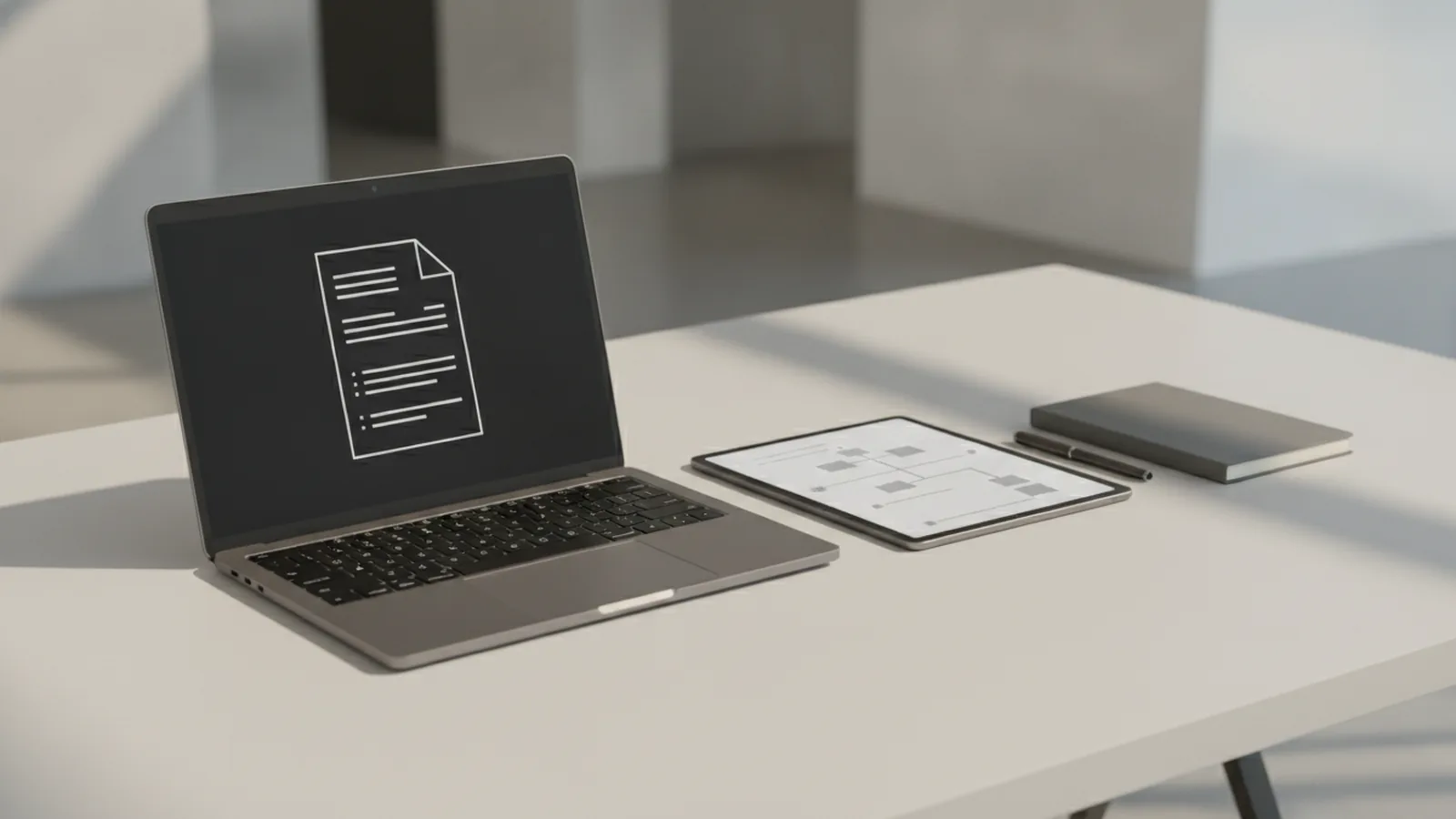
If you want the best pdf editor software, start by matching tools to tasks. For most people, Adobe Acrobat Pro is the best overall pick because it edits text, images, forms, and layouts reliably. If you want a cheaper option, Foxit and PDFelement are strong alternatives with good usability. This guide breaks down what to look for, then compares paid and free choices so you can pick the best pdf editor for your budget.
What PDF editors do (and how tool types differ)
PDF editing software is not one single product type. Most vendors bundle multiple capabilities into one app, but the “best” option depends on which job you do most often.
A practical way to choose is to separate tools into three categories. Full PDF editors change content inside a PDF. Annotation tools focus on markup tools for PDFs, like highlights, comments, and stamps. Conversion tools reshape files into other formats, like exporting a PDF to Word or Excel.
That distinction matters because you can save money by skipping features you will never use. For example, if your work is mostly sign-off and notes, an annotation-first tool may beat a full editor. If you need document security and controlled sharing, pick a full editor with strong permissions and password options.
- Full editors: edit text and images, rearrange pages, and update layout.
- Annotation tools: markup, comment, and review flows for teams.
- Conversion tools: convert PDFs to other formats or vice versa.
Features to look for in the best PDF editor software
The best pdf editing software for you depends on your workflow. Before comparing pricing, list what you must change inside the PDF. Then verify the editor supports those actions on real files, not just demo examples.
Three feature areas come up again and again. First, editing text and images should be accurate, especially when the PDF has complex fonts. Second, form creation and fill workflows matter if you submit applications or request signatures. Third, conversion between formats is key when you want to move content into Word, Excel, or other editing apps.
Also check usability. A user-friendly interface is crucial for ease of use, especially for non-technical users who just need to fix a paragraph or complete a form. Look for clear toolbars, helpful prompts, and fast preview so you can see changes immediately.
Editing text and images without breaking layout
Try editing a paragraph with mixed fonts and spacing. If the tool struggles, it may reflow text in ways you did not expect. Image editing should allow cropping, resizing, and replacement with minimal artifacts.
Some editors also support cross-platform PDF editing. If you work across Windows, macOS, and mobile, syncing and consistent rendering become part of “quality,” not just convenience.
Form creation, filling, and eSigning
For form creation and eSigning, pay attention to field types and validation. Good editors let you create text fields, checkboxes, dropdowns, and signature blocks. They should also keep form behavior consistent after exporting or sharing.
Document security is also tied to forms. Look for options like password protection, permissions, and controlled viewing.
Conversion tools and quality controls
Conversion is rarely perfect, so focus on quality. Exporting a PDF to Word should preserve headings and tables as much as possible. Converting to Excel should keep cells aligned, especially if the PDF has grid-like layouts.
If conversion is part of your job, consider an app that also shows conversion settings. Small choices can reduce cleanup time later.
- Confirm the editor can change the exact content you need.
- Test on one real PDF you already have.
- Check form fill and signature behavior before you commit.
- Try one conversion job and measure cleanup effort.
Top paid PDF editors worth your budget
When people ask what is the best pdf editor software, they often mean a paid full editor. Paid tools usually offer stronger editing accuracy, better form tools, and more reliable conversions.
Adobe Acrobat Pro is widely regarded as the best overall PDF editor. It is strong for editing, form workflows, and document security. It also fits well into collaborative editing flows where review, approval, and permissions matter.
Foxit is a top alternative if you want a polished interface and solid editing features at a different price point. It is also known for performance and smooth markup tools for PDFs, which helps for review cycles.
PDFelement is another common pick. It offers a broad feature set for editing and forms, and it often adds AI-powered editing tools. For example, some workflows use smart features to speed up text and object handling.
Quick “best for” breakdown
| Paid editor | Best for | Why people pick it |
|---|---|---|
| Adobe Acrobat Pro | Most document editing tasks | Strong overall accuracy and security options |
| Foxit | Fast review and editing | Good usability and reliable markup workflow |
| PDFelement | Forms plus productivity features | Broad toolkit and often AI-assisted tools |
Best PDF editor for Mac
If you ask what is the best pdf editor for mac, your answer often depends on whether you need full editing or mostly review. In practice, many Mac users still lean toward Adobe Acrobat Pro for the full editor path. Others prefer Foxit or PDFelement when they want strong editing plus a smoother cost-to-feature balance.
Before installing, check the app’s cross-platform PDF editing support. You want consistent results when you open the same file on macOS and Windows.
Best free PDF editors and what you sacrifice
If you are hunting for the best free pdf editor, manage expectations. Free editors usually support basic markup and limited editing, then push advanced features behind paid upgrades.
For example, PDF Candy is often mentioned for free PDF tasks. It can be helpful for light edits and simple conversions, especially when you need quick results. Still, free tools may struggle with complex PDFs, and they may limit form creation or advanced text editing.
Also consider that “best” free options can vary. Some people just need to sign, annotate, or convert a file once. Others need repeatable, accurate editing work, and free tools rarely hold up for that.
- Best free for basic markup: annotation-first apps and lightweight editors.
- Best free for quick conversion: tools that export common formats.
- Best free for simple edits: apps that fix small layout issues.
When deciding, try one full workflow end to end. Edit a page, fill a form if needed, then export the result. Your goal is to see whether cleanup work cancels out any price savings.
Comparison: PDF editor vs PDF reader vs PDF viewer
Many shoppers mix up PDF editor software with viewing apps. That is why you can feel “stuck” even after downloading a tool. A PDF reader shows content. A PDF viewer also focuses on display, sometimes with lightweight navigation features.
True editing requires an editor. So if your question is what is the best pdf reader or what is the best pdf reader for android, start by deciding whether you need editing. If you only read, a reader with fast rendering and good search can be enough. If you need to update content, you need an editor, not just a viewer.
Here’s a simple comparison to clarify your options.
| Tool type | Typical tasks | Common limitations |
|---|---|---|
| PDF reader | Open, zoom, search | No reliable text/image changes |
| PDF viewer | Navigate, display, print | Limited markup or no form tools |
| PDF editor | Edit text and images, forms, security | May require paid plan for full features |
| PDF converter | Export to Word/Excel/other formats | May need manual cleanup after conversion |
Where conversion fits in
If your work is mostly “convert and reuse,” you may ask what is the best pdf converter. Often, paid editors also include conversion, so you can do editing and exporting in one place. Some users also search for what is the best pdf converter for mac when they want reliable exports without running a separate Windows tool.
Look for conversion output that matches your next step. If you will edit in Word, prioritize table and heading preservation. If you will analyze in Excel, prioritize cell alignment.
Collaboration and document security
For shared projects, choose tools that support review and controlled access. Collaborative editing tends to work best when the software keeps change history and permissions clear. For sensitive files, document security features like passwords and permission controls are not optional.
Finally, keep form creation consistent. If you create a form in one app and fill it in another, you want to avoid broken fields or signature blocks.
User recommendations and experiences: how people choose
Real user experiences can guide your decision more than feature lists. Users often describe the difference between “works on simple PDFs” and “works on your real files.” That is why testing on your own sample PDF is the fastest path to the right choice.
Common feedback patterns show up across reviews. People praise Adobe Acrobat Pro for overall completeness and for handling messy PDFs without too much rework. People praise Foxit for smooth performance and strong review workflows. People pick PDFelement when they want lots of tools in one place, including AI-powered editing tools in some workflows.
Also, consider pricing options. Many buyers are fine with a subscription when it covers multiple tools, like editing plus conversion plus forms. Others prefer a simpler plan and upgrade only when they hit a feature wall.
What to test before you pay
- Open your most complex PDF and confirm it renders correctly.
- Edit one paragraph and check spacing, fonts, and alignment.
- Create or fill a form field and validate it still works.
- Convert one page to your target format and measure cleanup.
- Save the edited file and reopen it to confirm no changes break.
If you are not sure what you need, start with reading and markup needs, then move up only if editing demands it. That approach prevents buying a full editor when annotation tools would have worked.
Picking the best PDF editor for your situation
If you want the best pdf editor, choose the tool that covers your top two tasks with minimal cleanup. If your main job is editing plus forms, a full editor usually wins. If your main job is reviewing and notes, a PDF reader with markup tools may be enough.
For Mac users searching what is the best pdf editor for mac, focus on apps that keep layout and form behavior stable. For people asking what is best pdf reader or what is the best pdf reader for android, focus on speed, search, and reliable display. Then only add an editor when you truly need to change the PDF content.
Bottom line: which option is “best” for you?
The best pdf editor software is the one that solves your actual PDF problems. For most users, Adobe Acrobat Pro is the best overall PDF editor because it balances editing accuracy, form tools, and document security. For many budgets, Foxit and PDFelement are excellent alternatives with strong usability and advanced features, sometimes including AI-powered editing tools.
If you need the best free pdf editor, pick one that matches your lowest-stakes tasks. Free tools like PDF Candy can be great for quick work, but advanced editing may require paid upgrades. Use your own PDFs for testing, then choose the tool that minimizes rework.
When you make the match between tool type and job, you stop trial-and-error. That is how you land on a “best” editor that stays best over time.
Related reading
Unsecuring a PDF: Safe Methods and Key Risks
Remove PDF limits safely, and know when a password or owner’s consent is needed.
Save Typed Data in PDF Forms: Keep It Safe
Save filled PDF forms safely and keep your typed data intact.
PDF Programs: Open, Read, Edit
Find the right PDF reader or editor for your device and daily tasks.